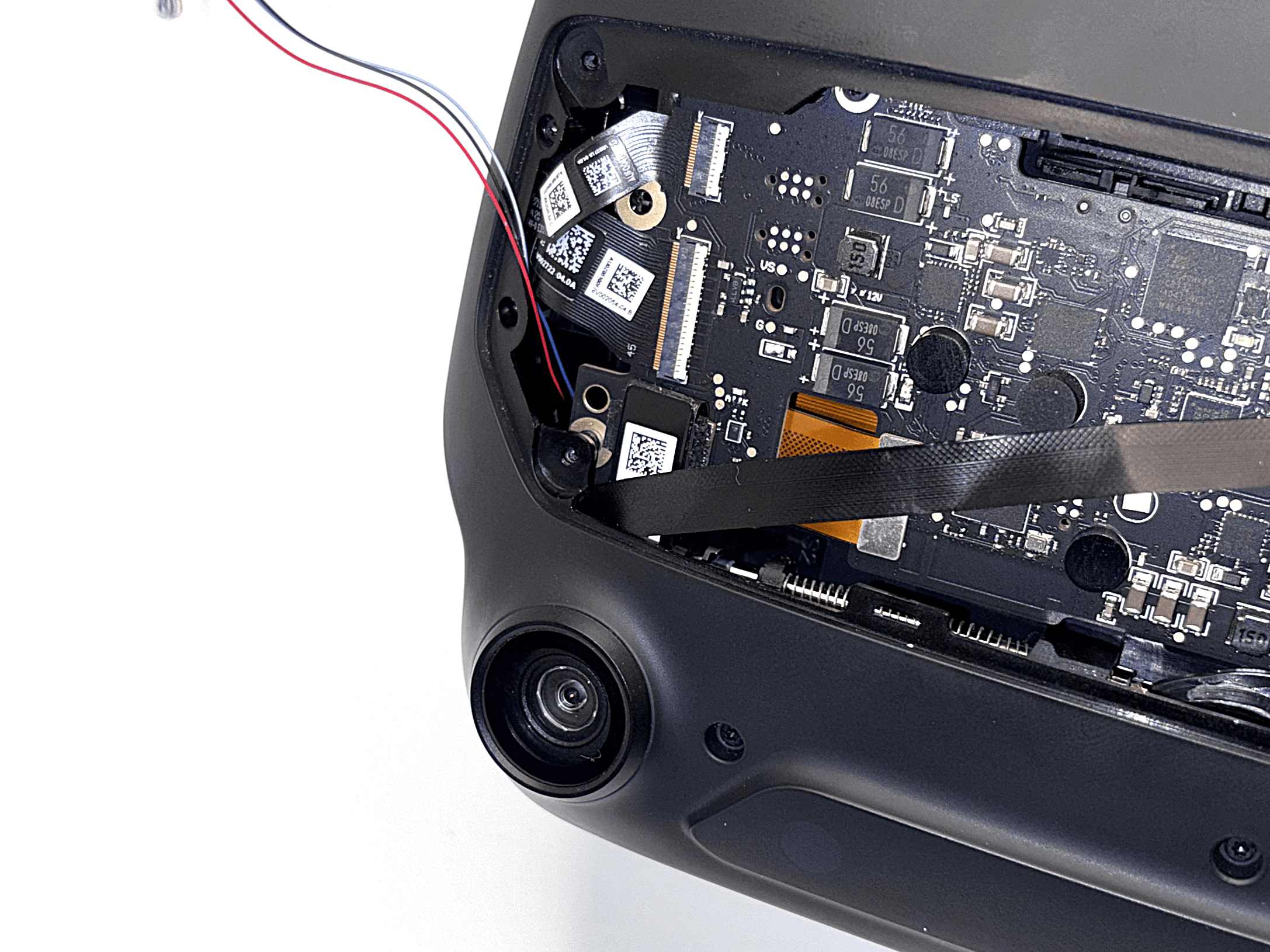
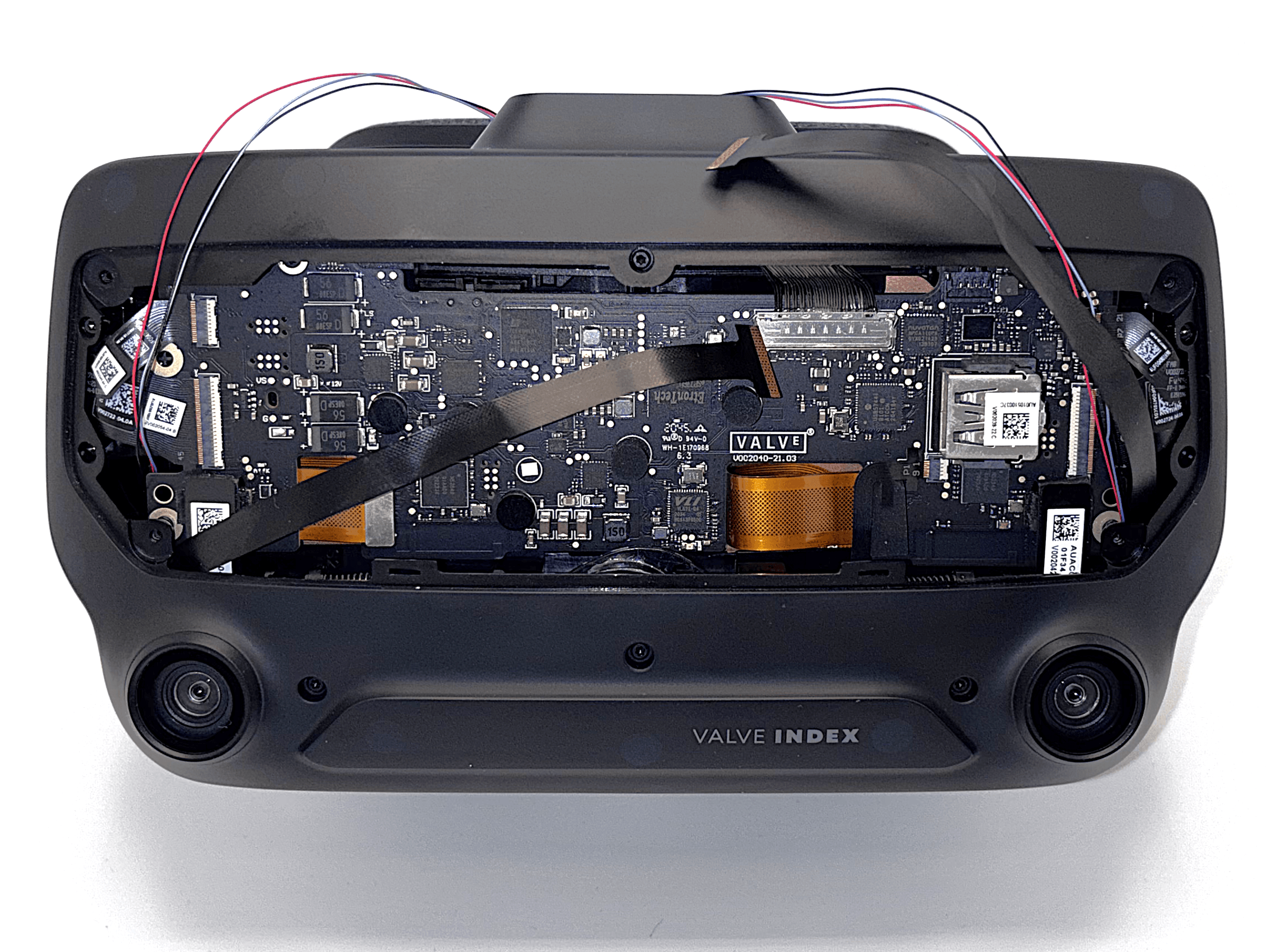
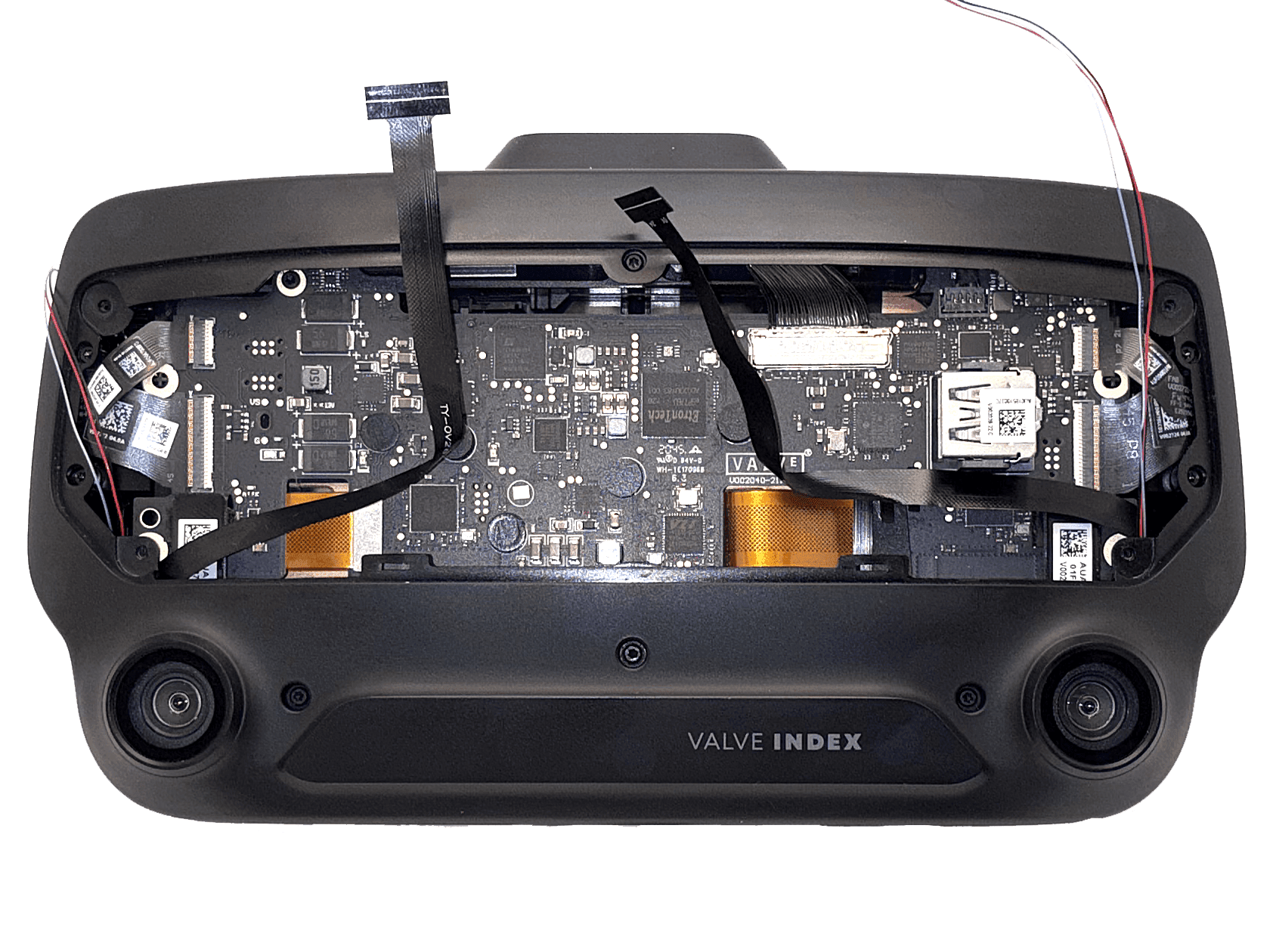
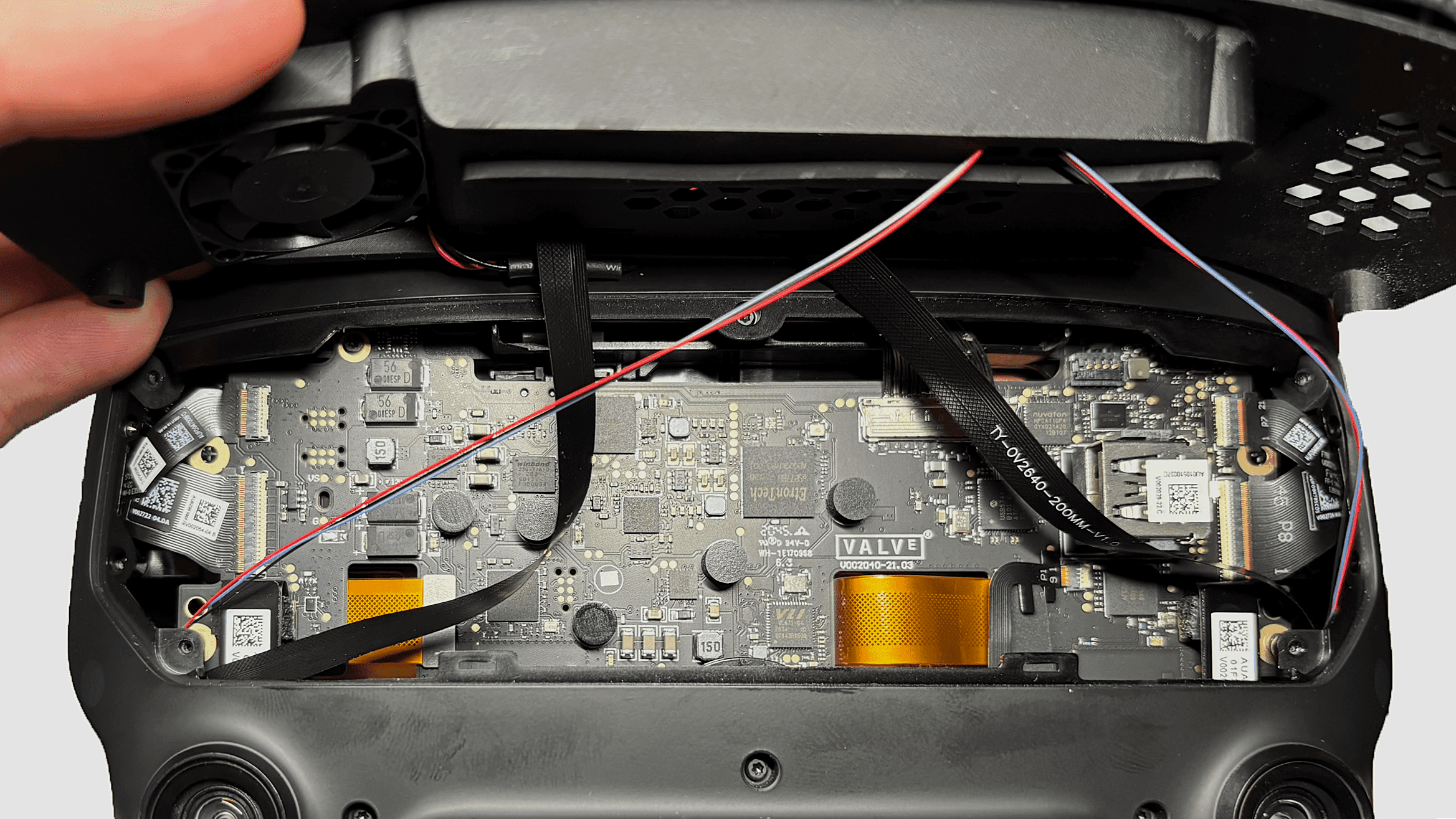
Board Connector Overview
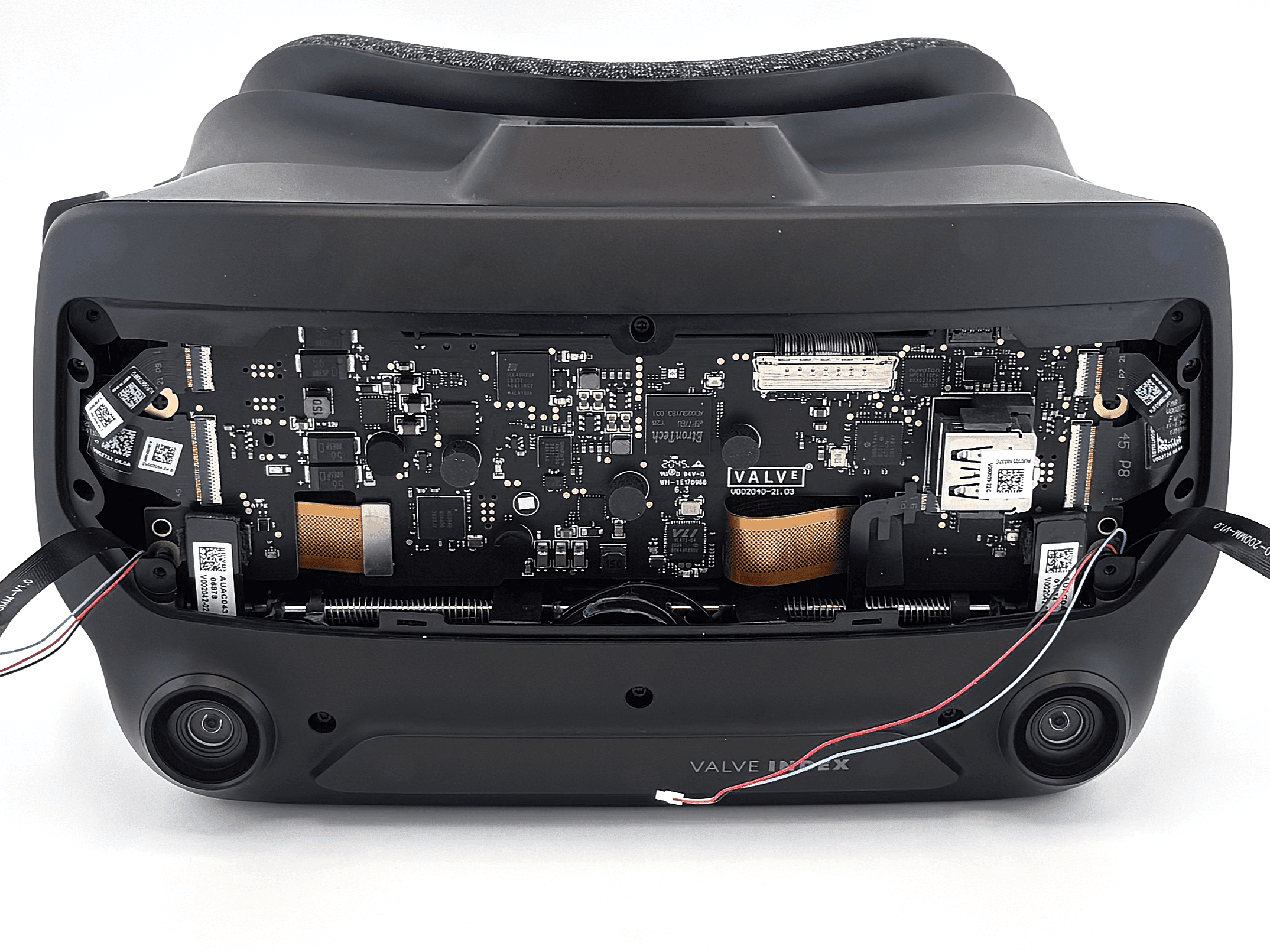
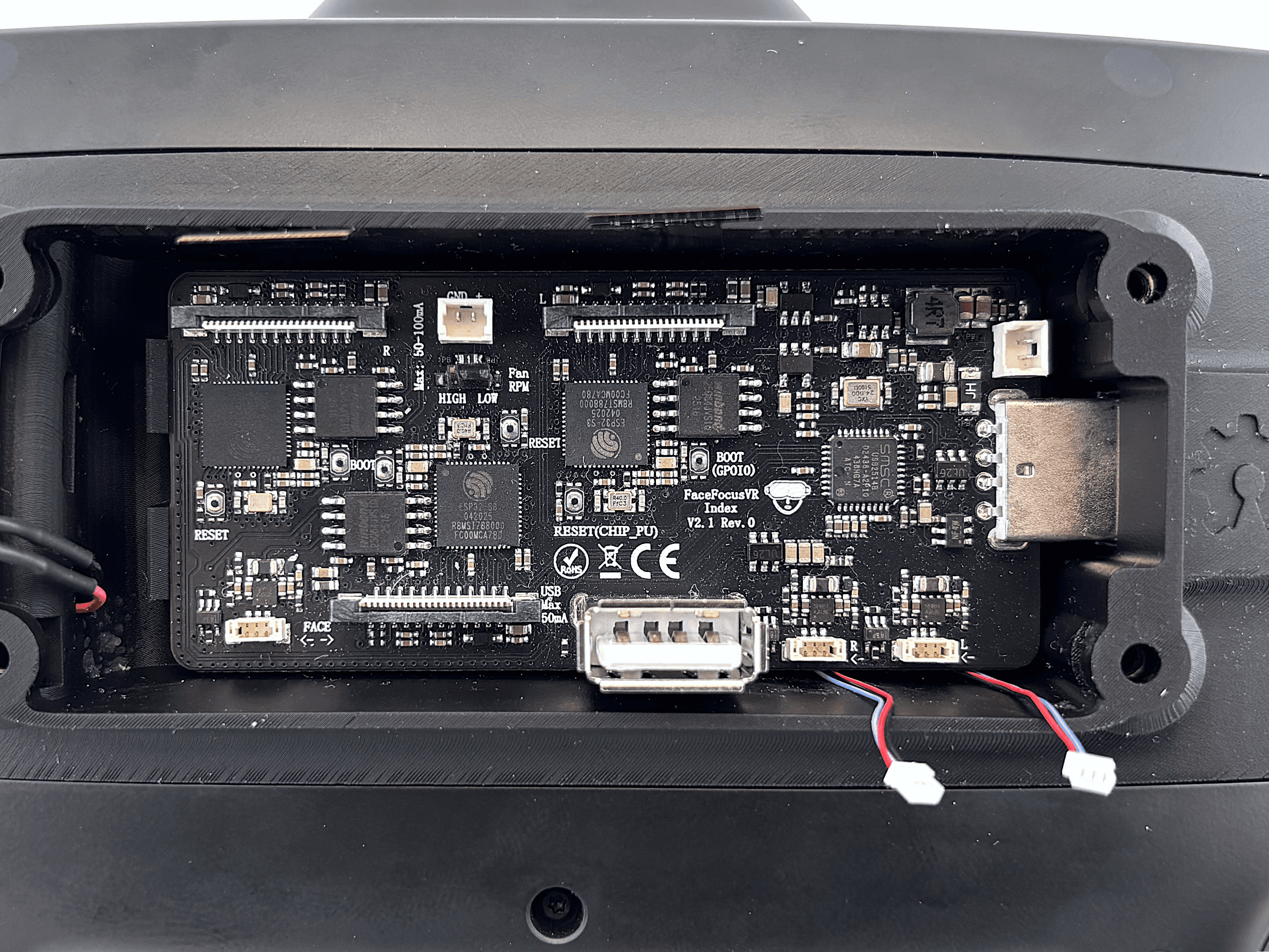
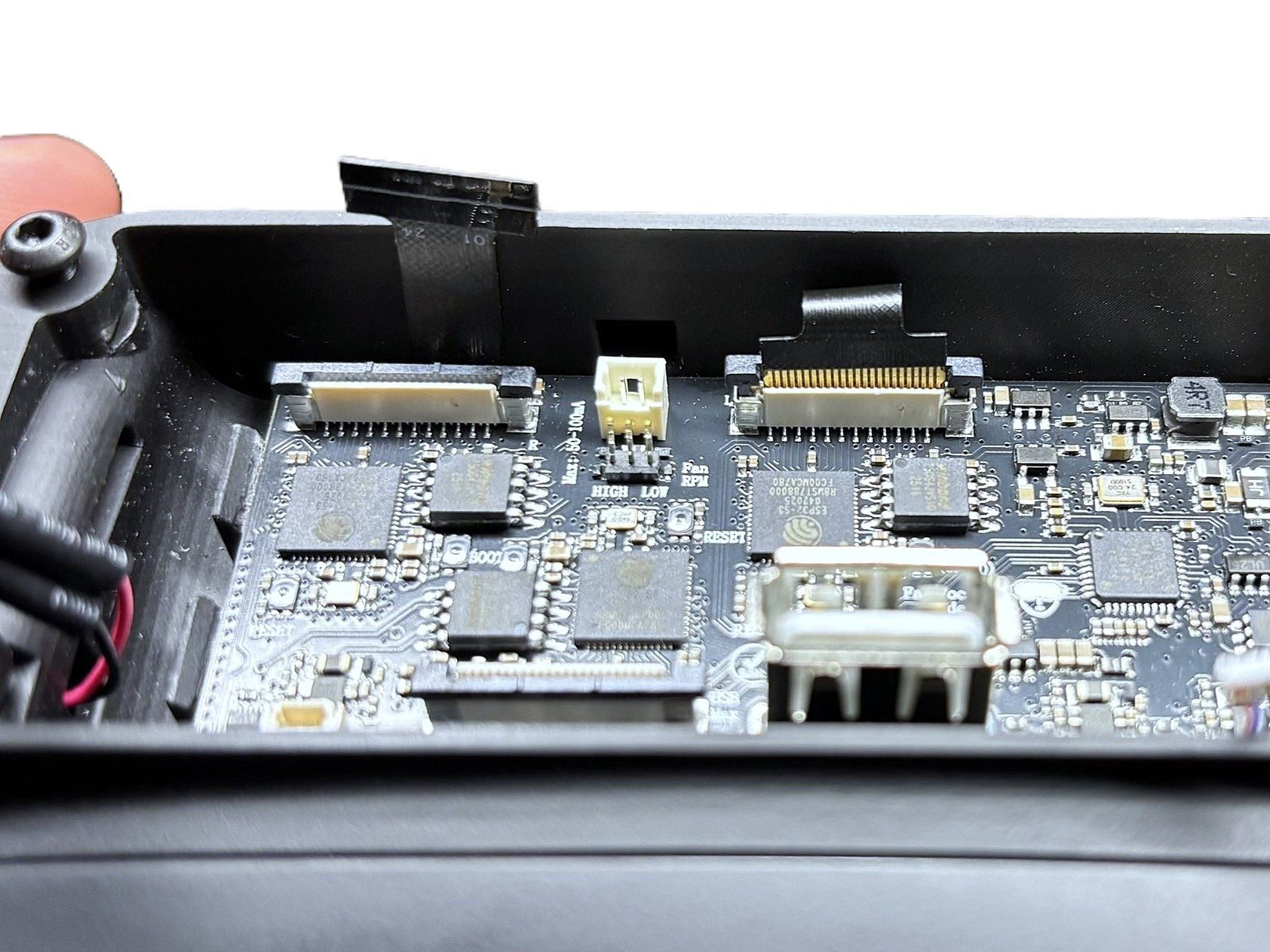
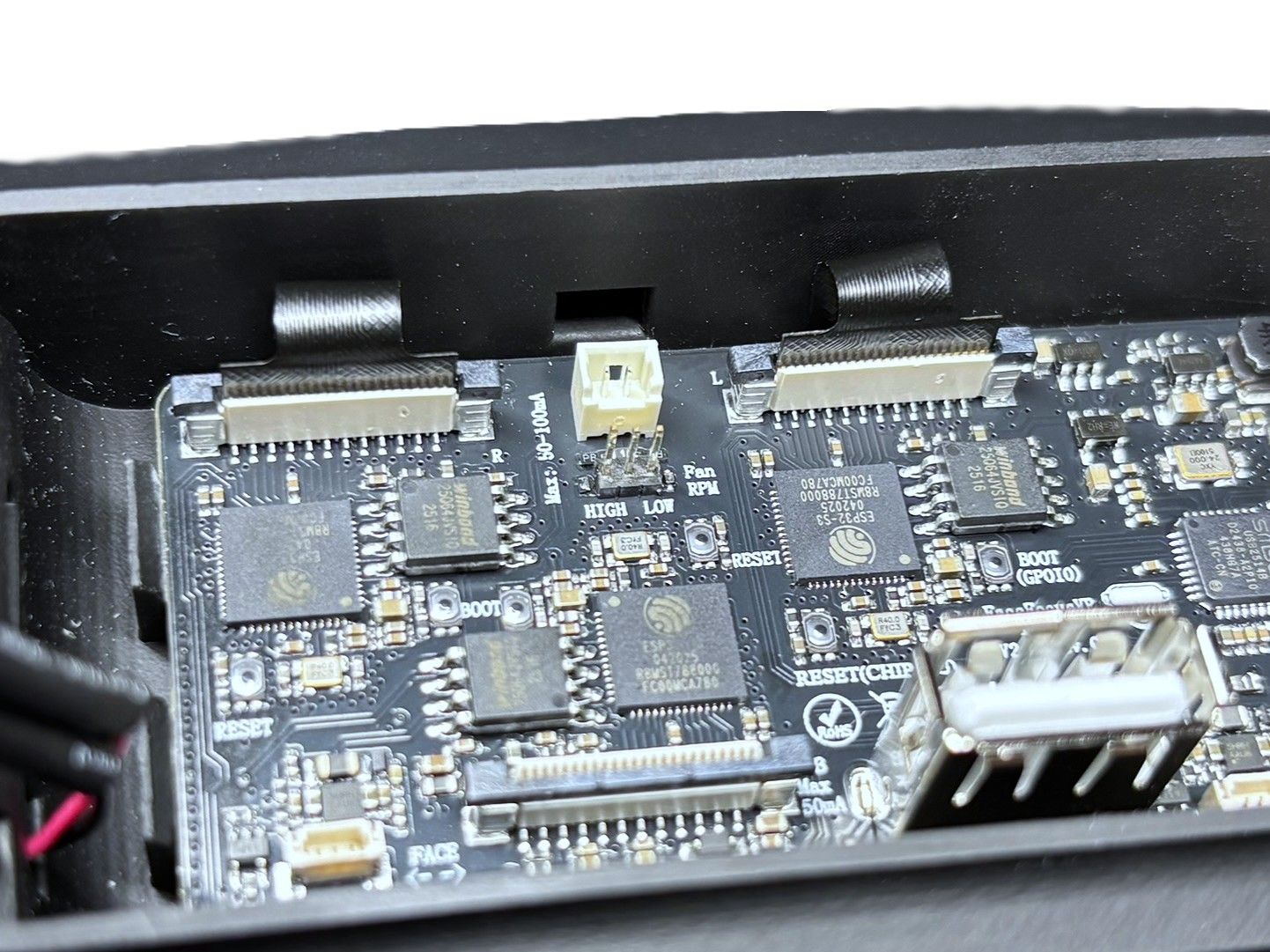
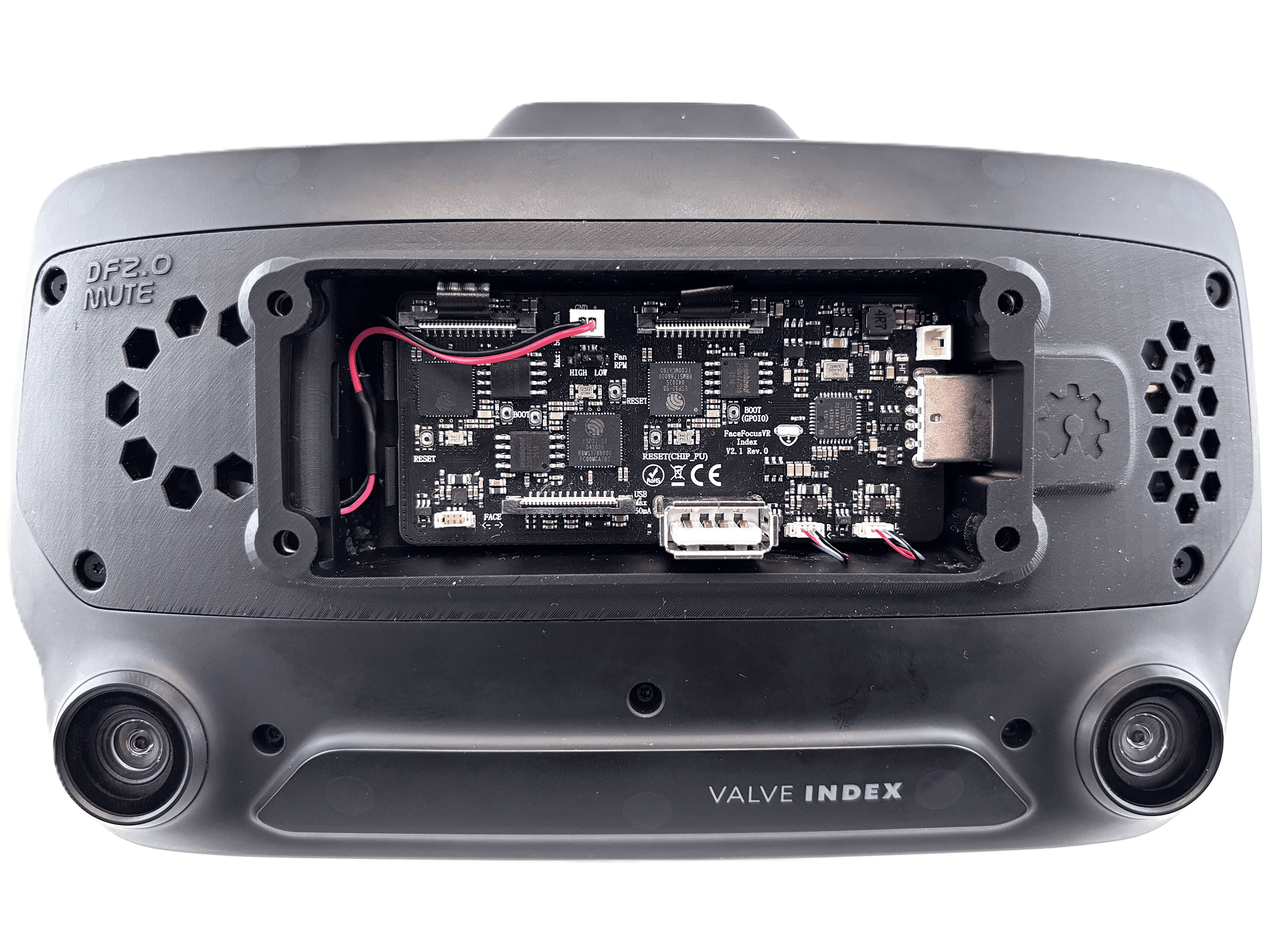
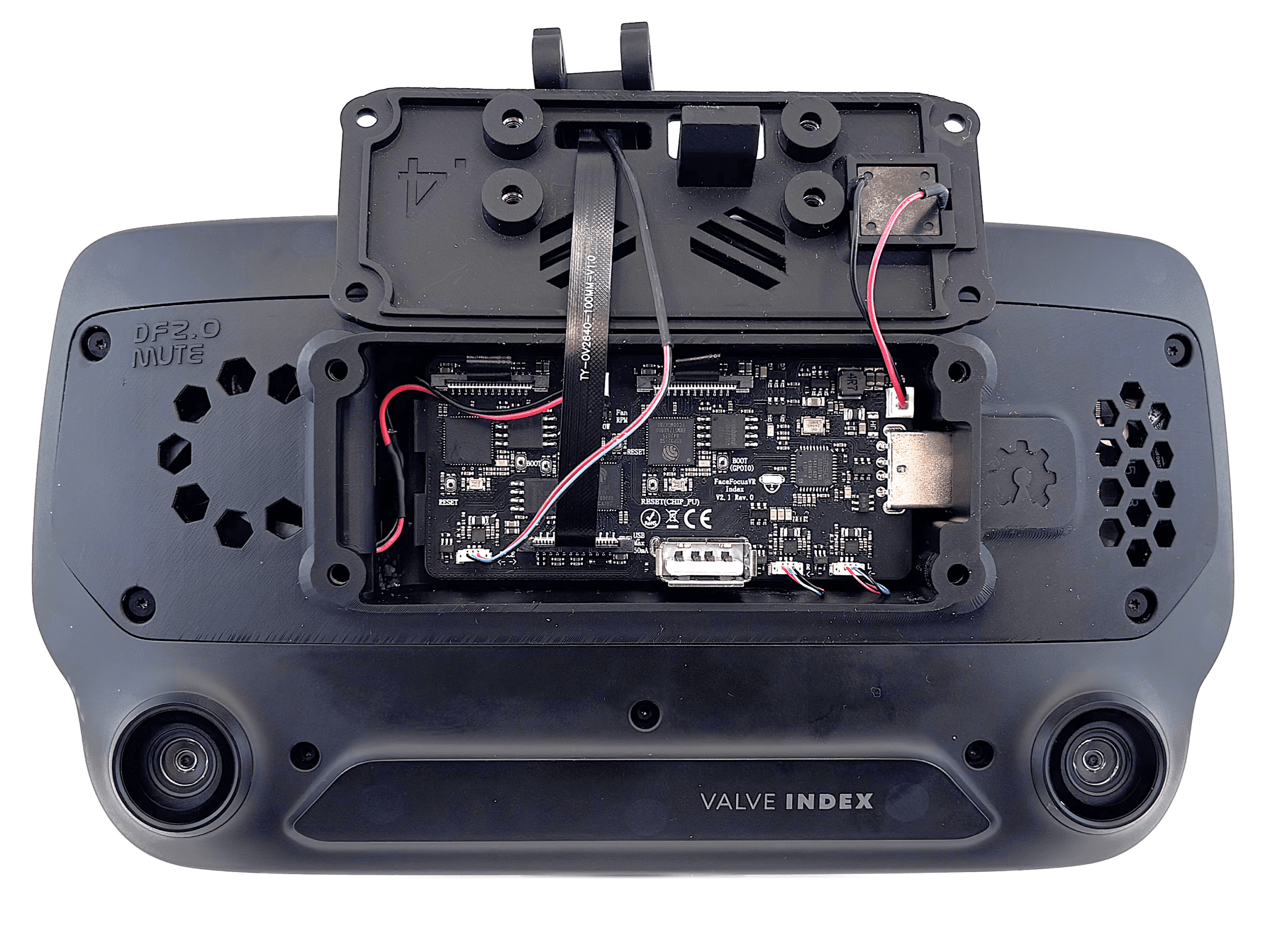
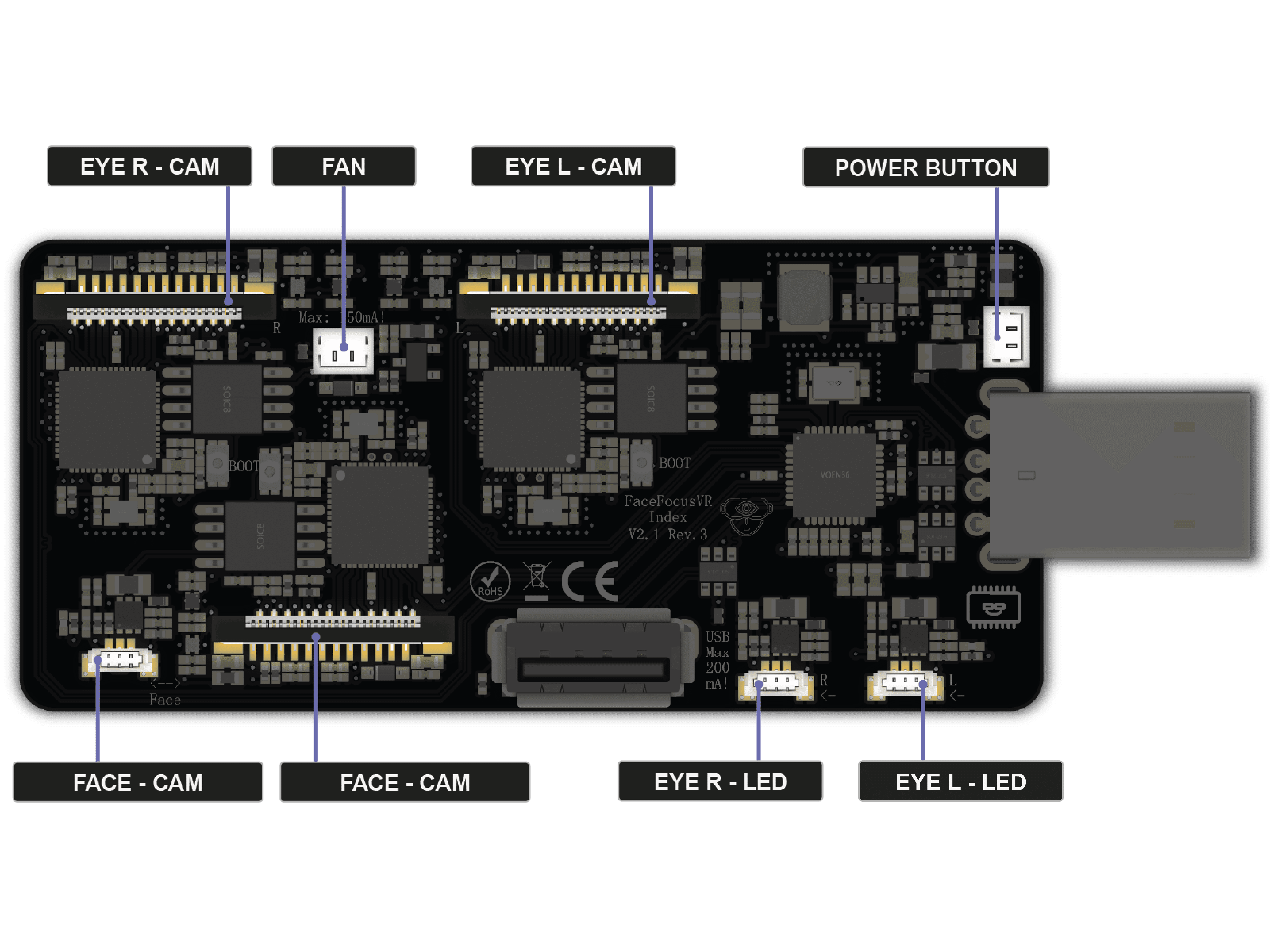
The FaceFocusVR board is the heart of your kit. It connects all cameras, LEDs, and the fan. Before you start, take a moment to get to know each connector and what it is for.
Camera Connectors
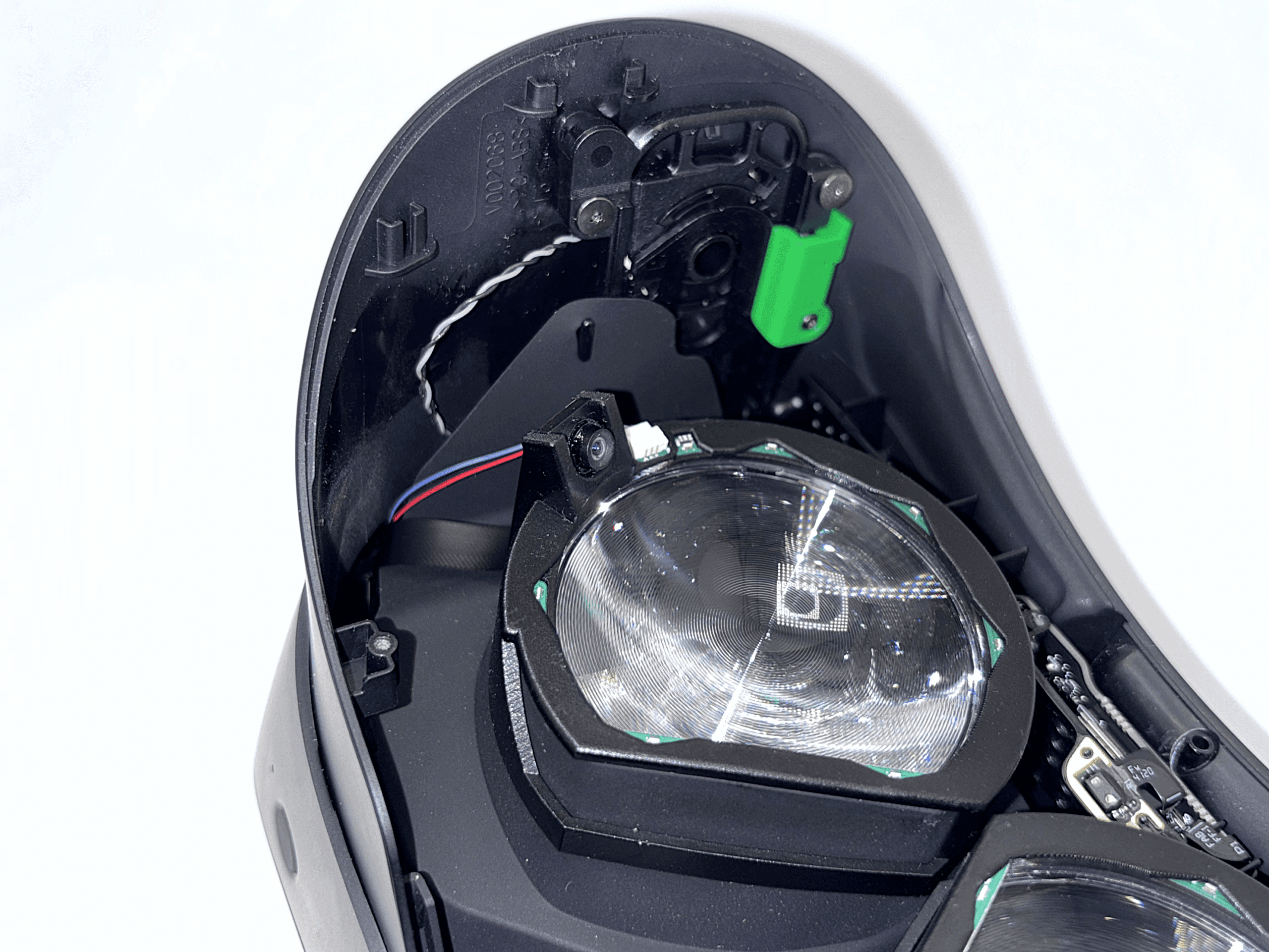
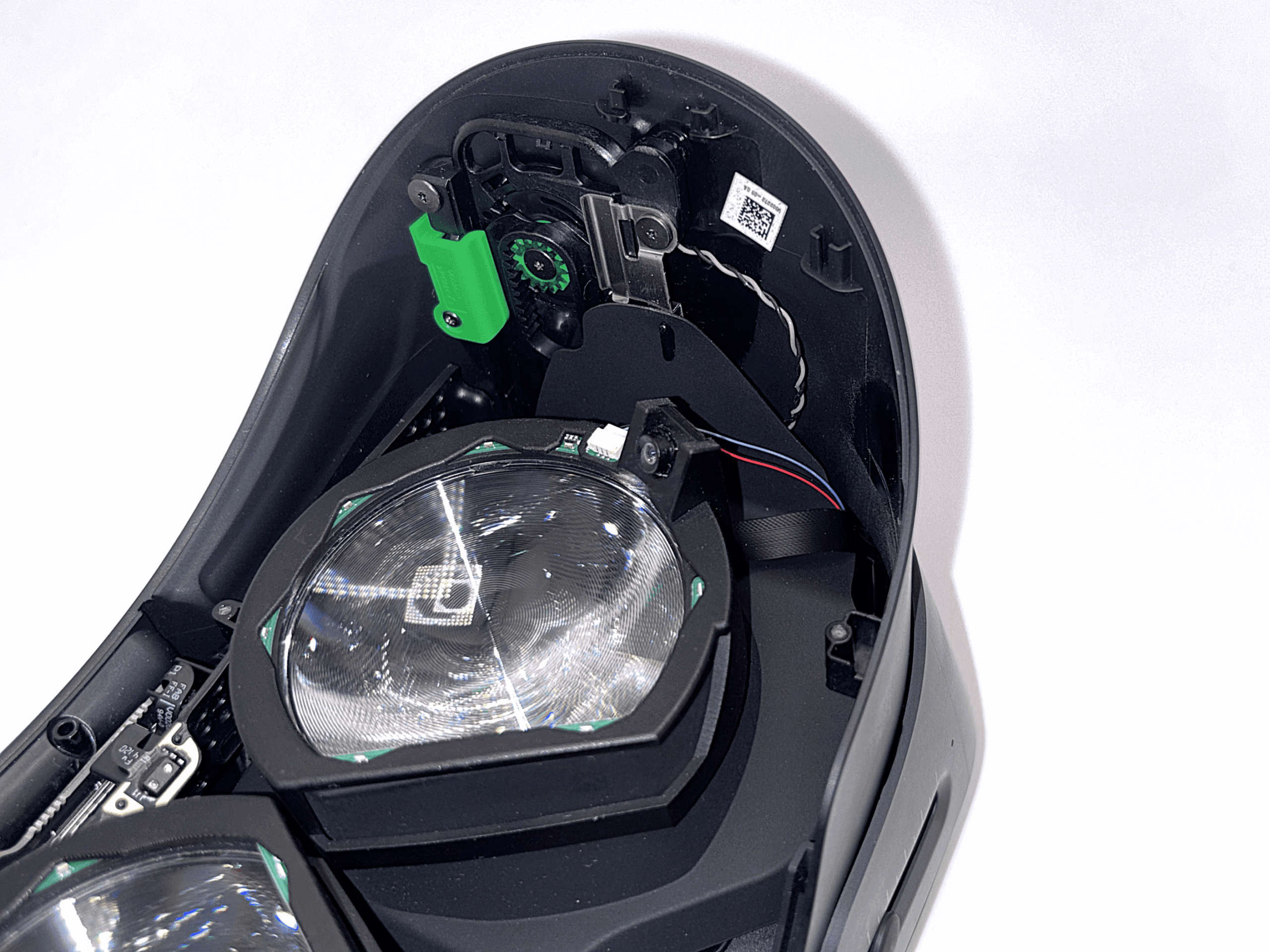
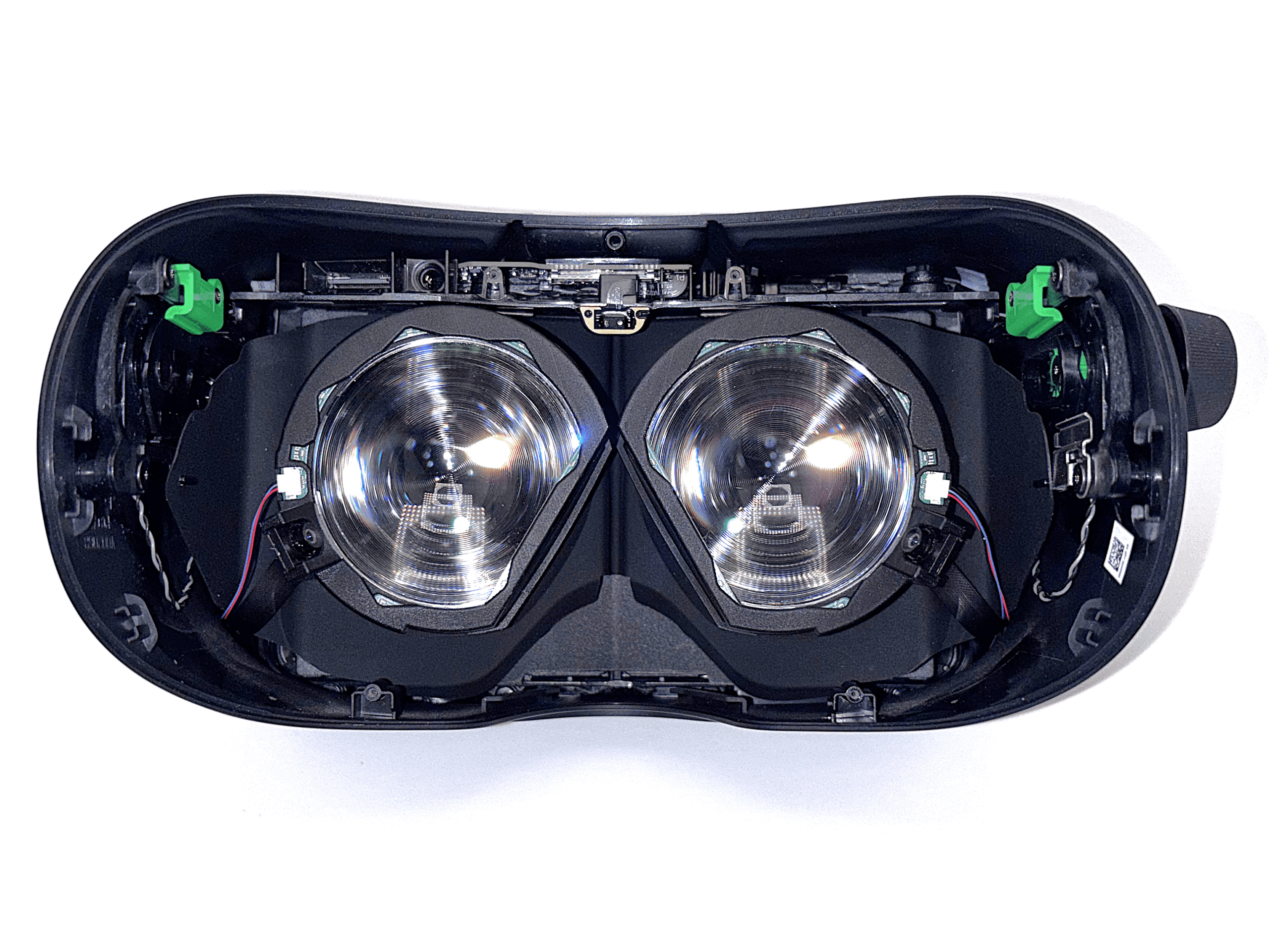
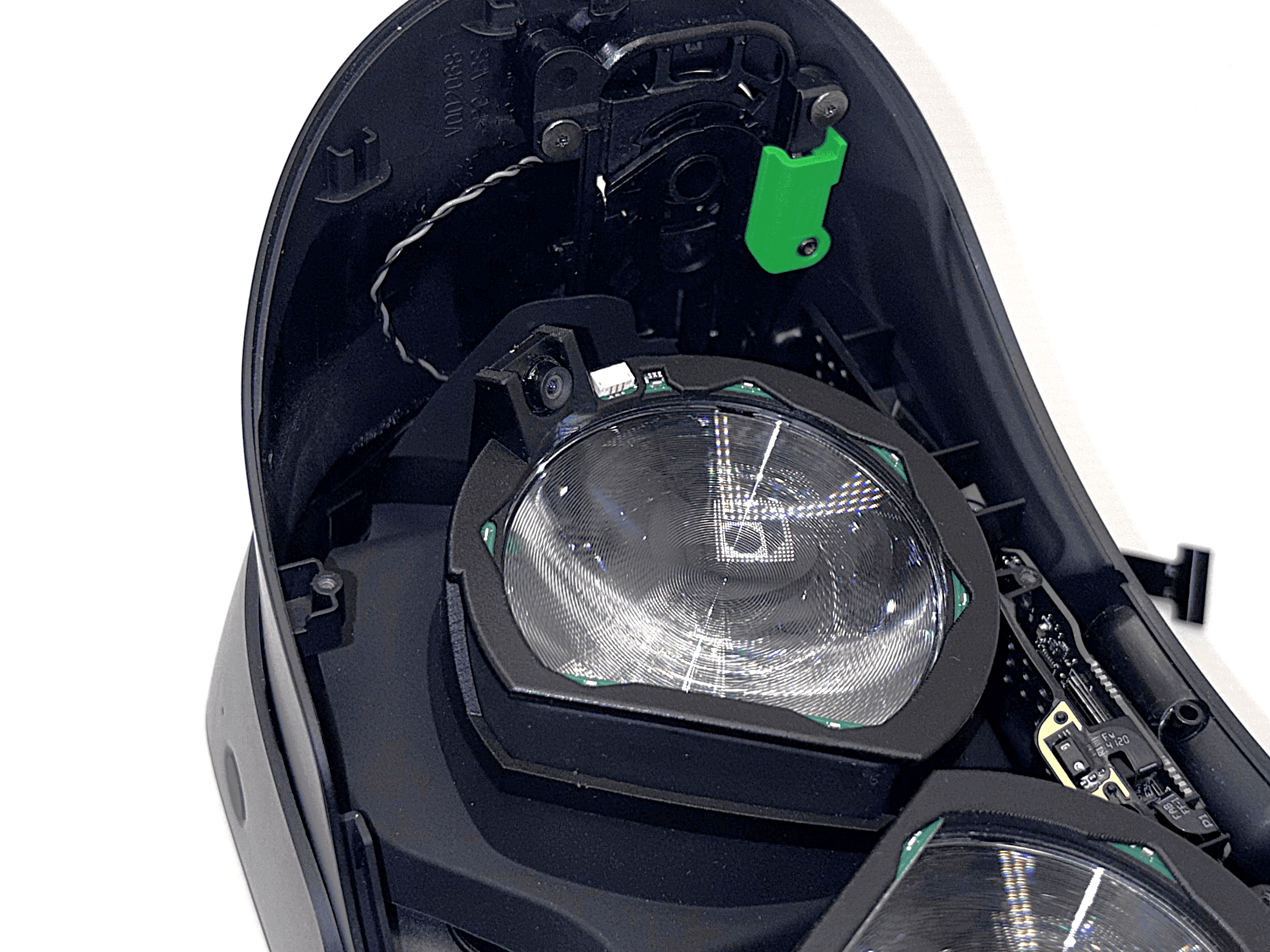
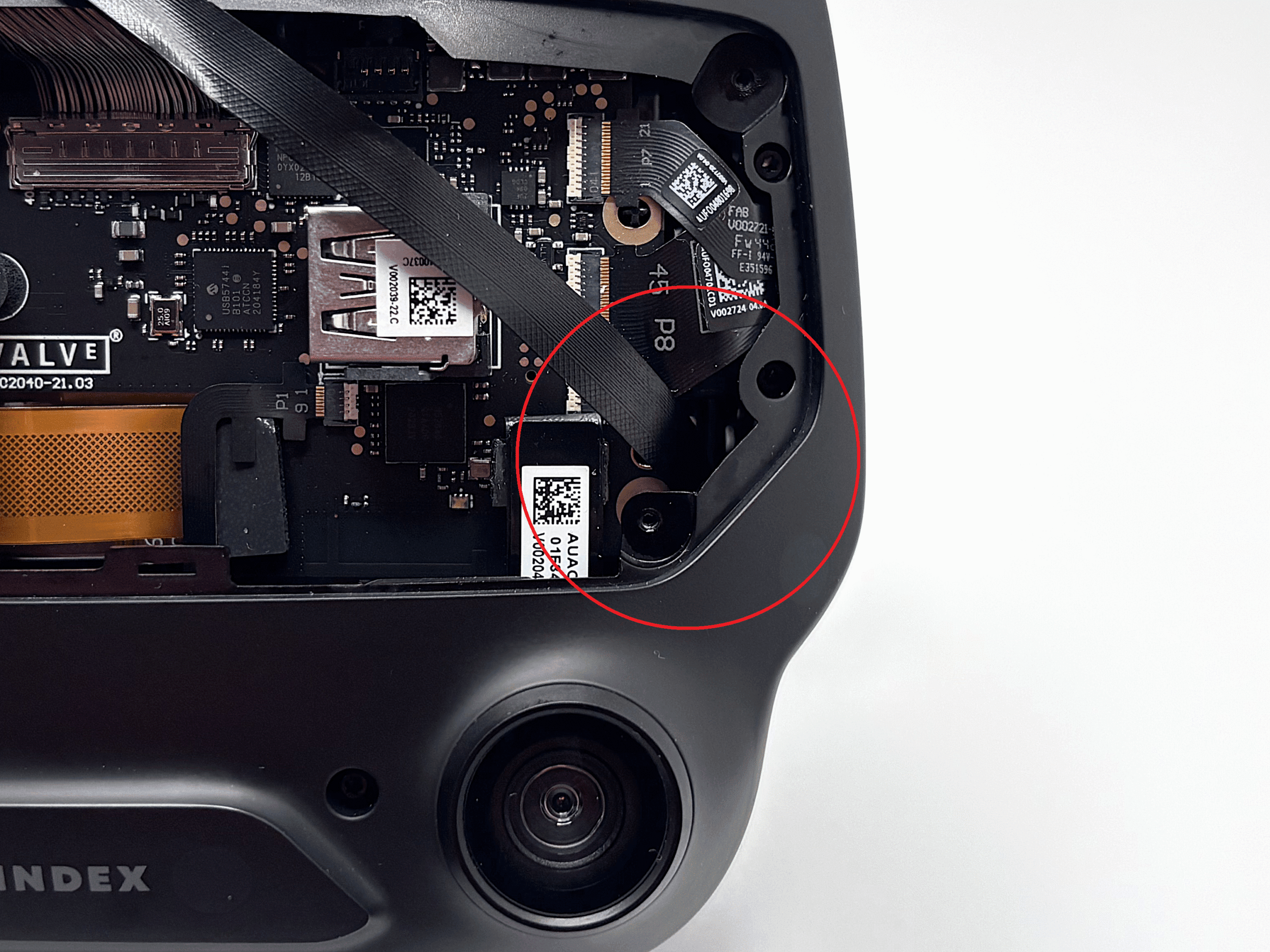
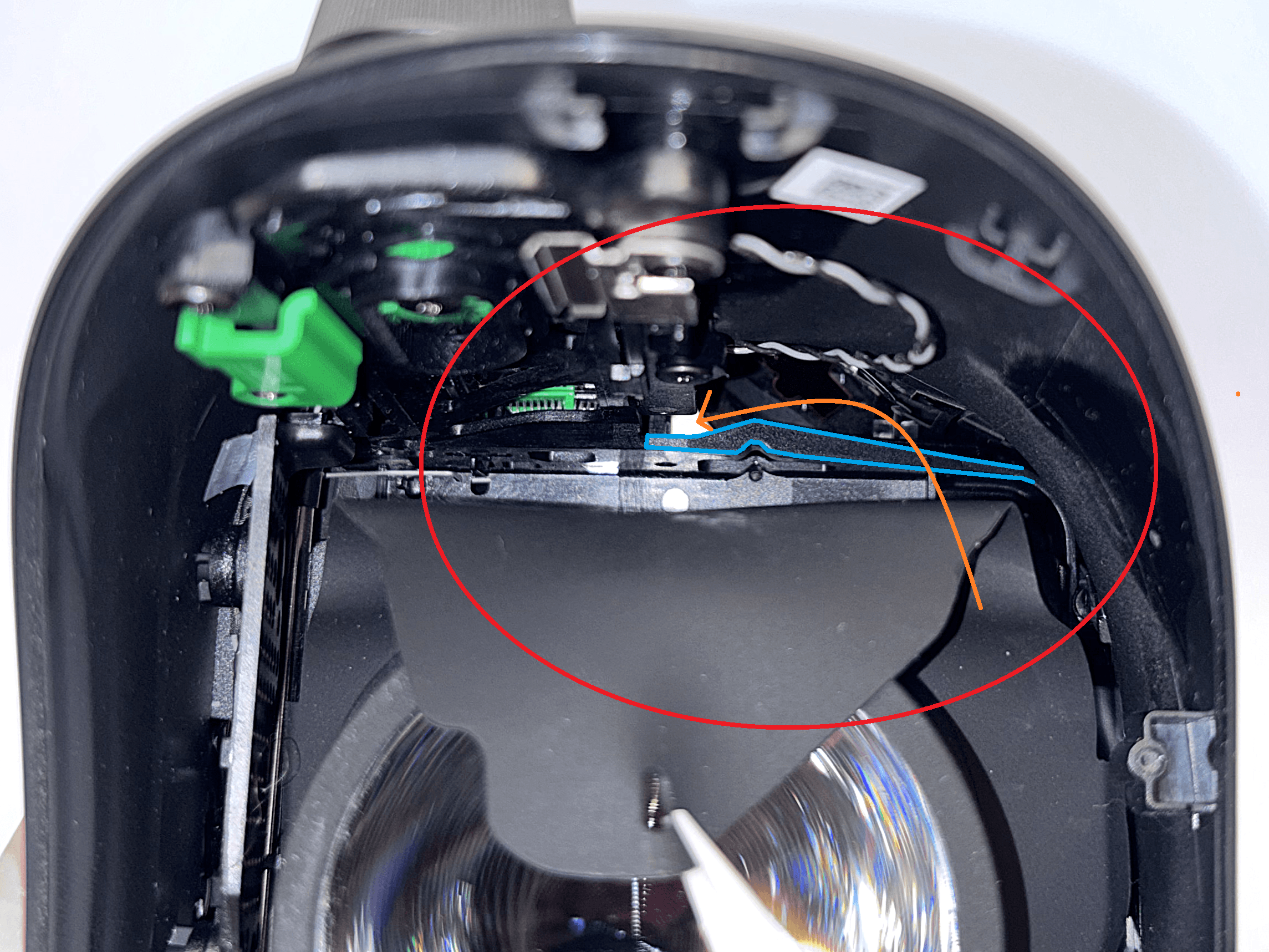
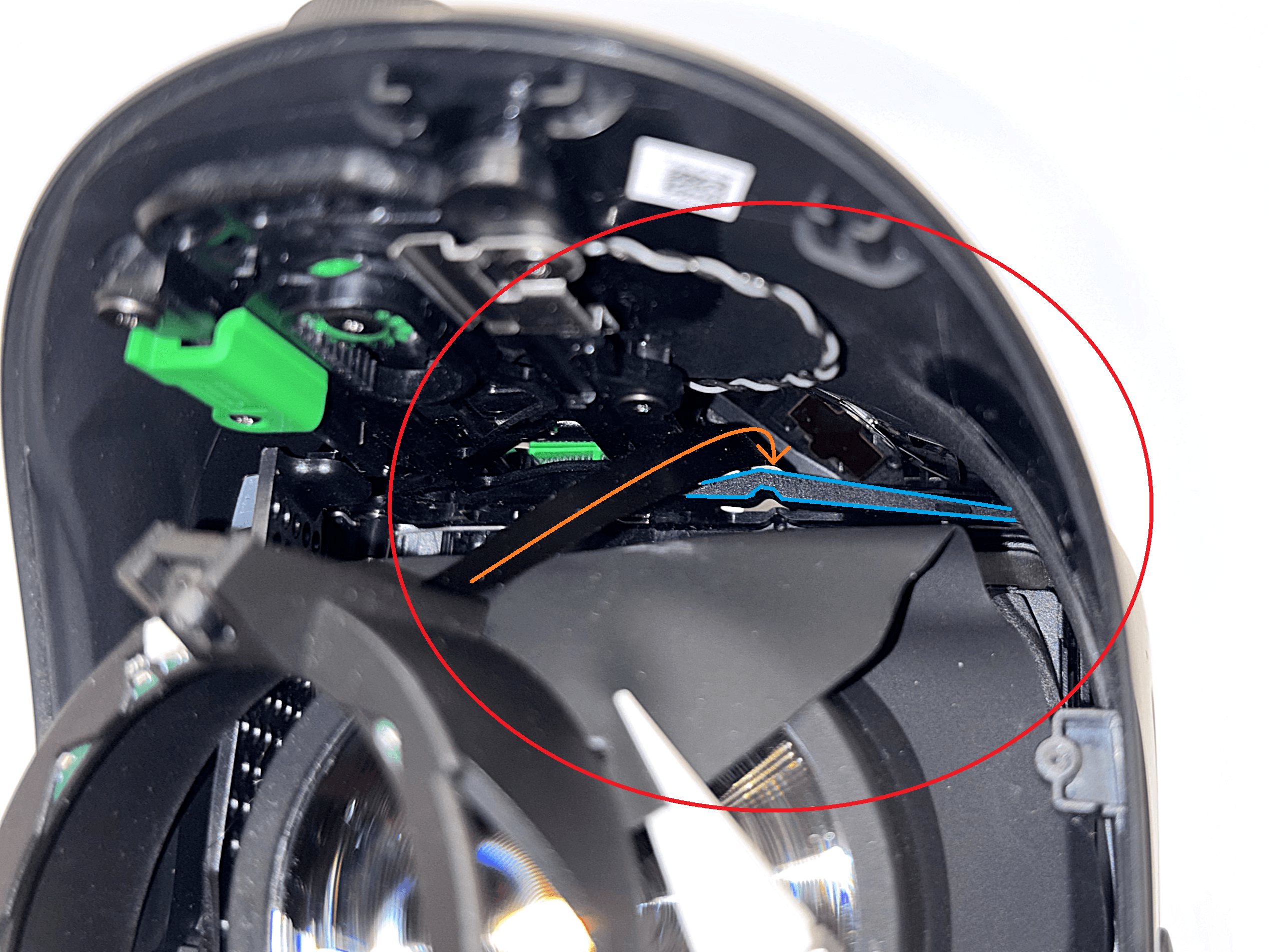
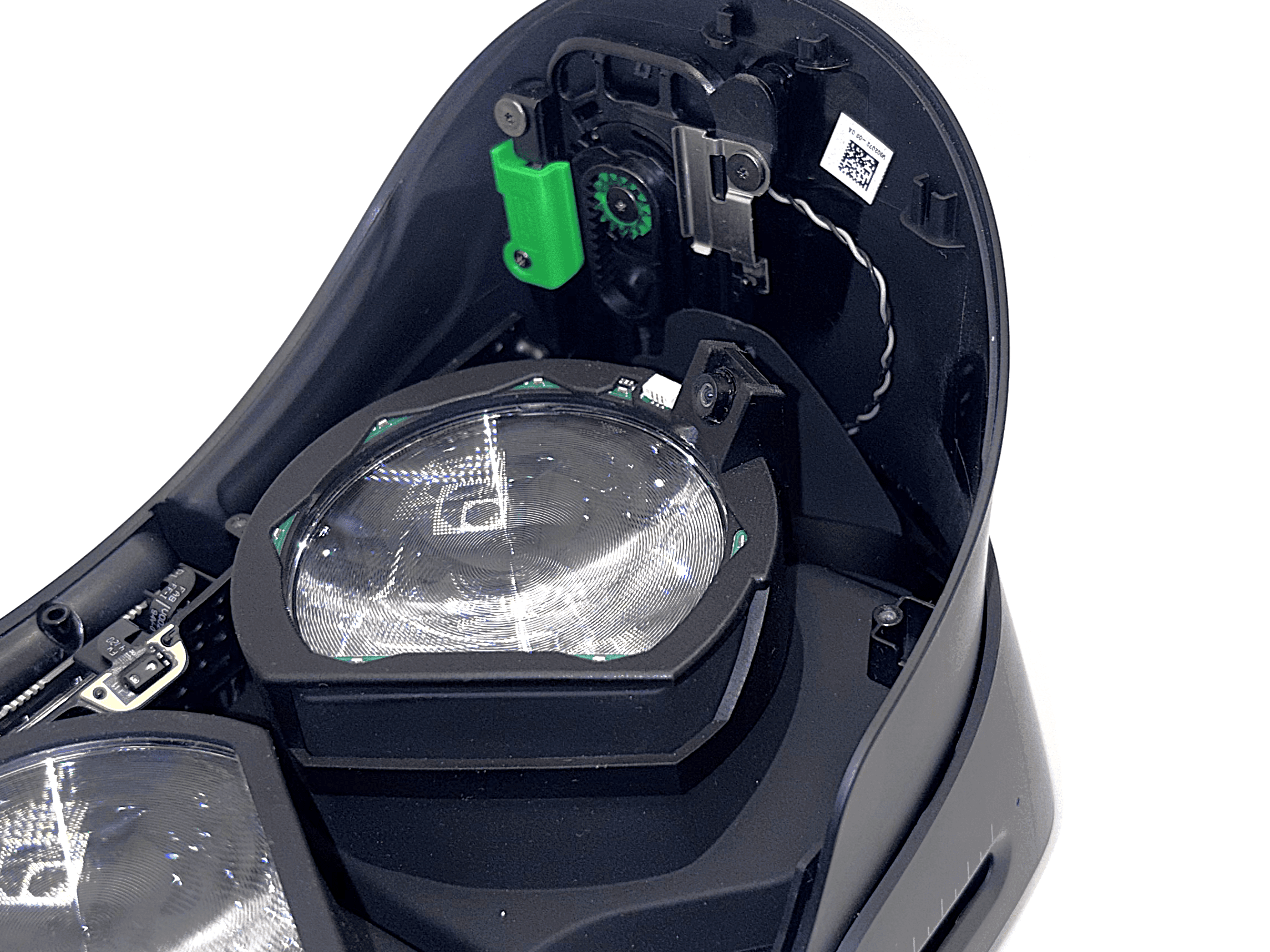
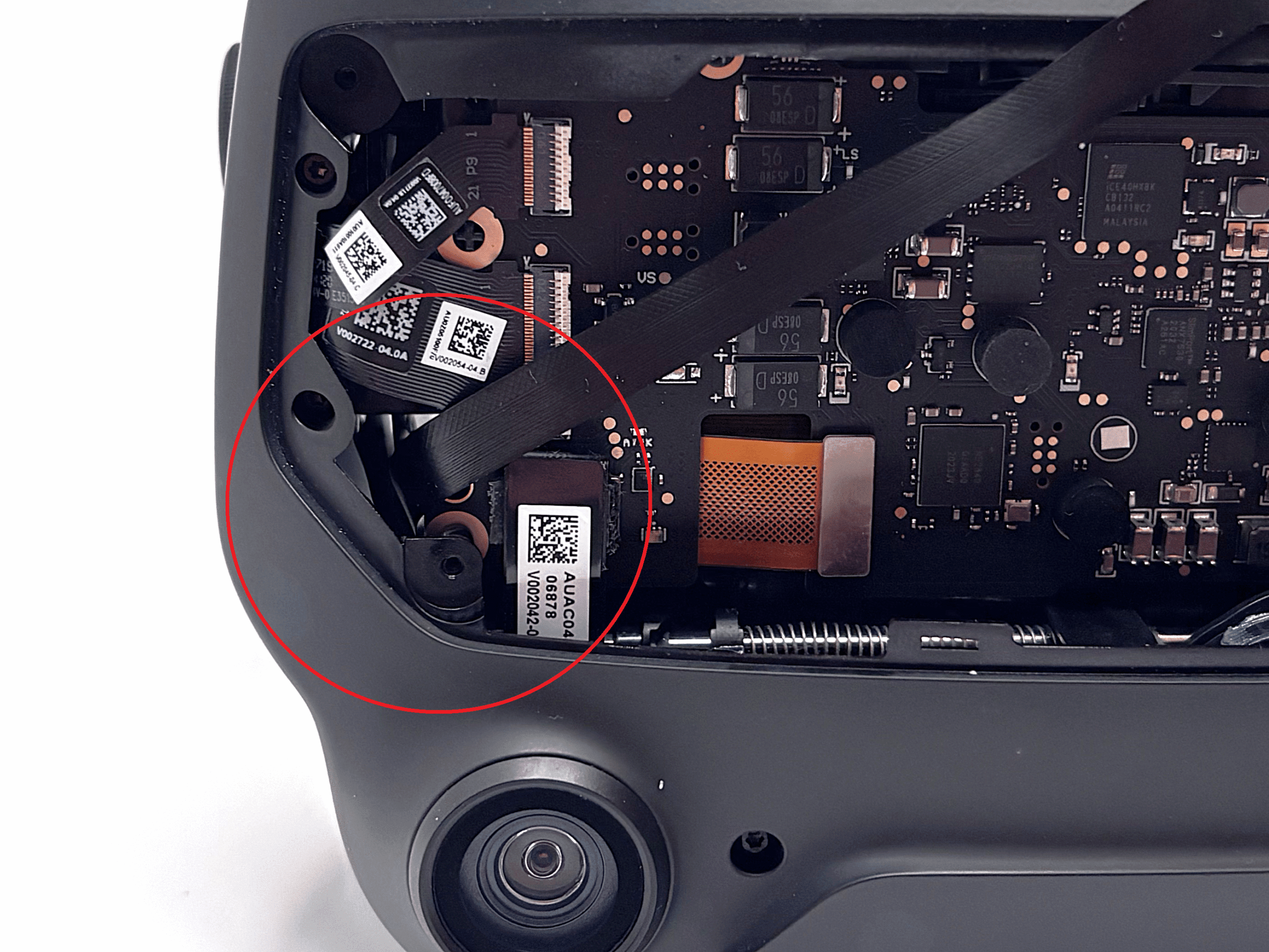
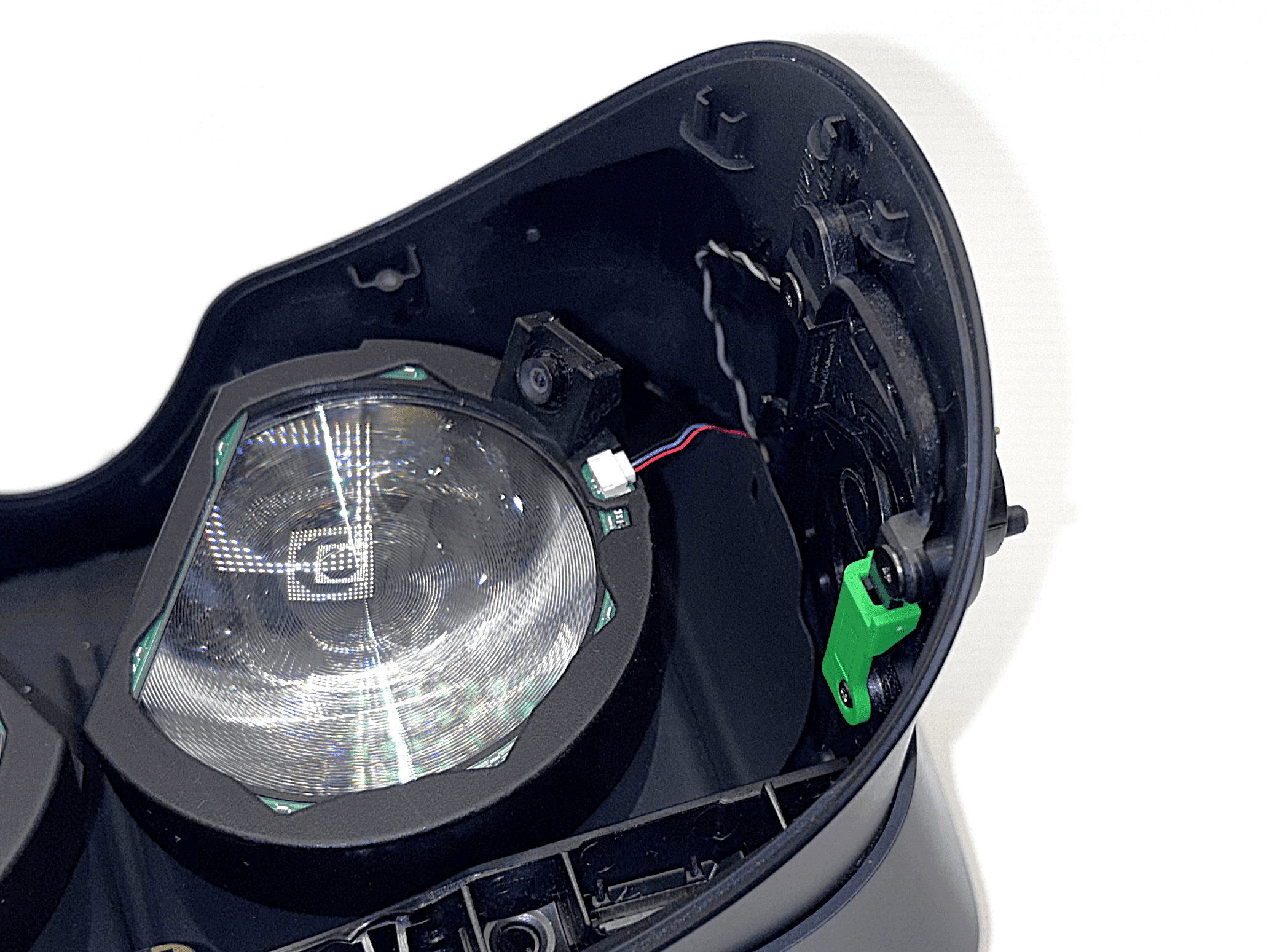
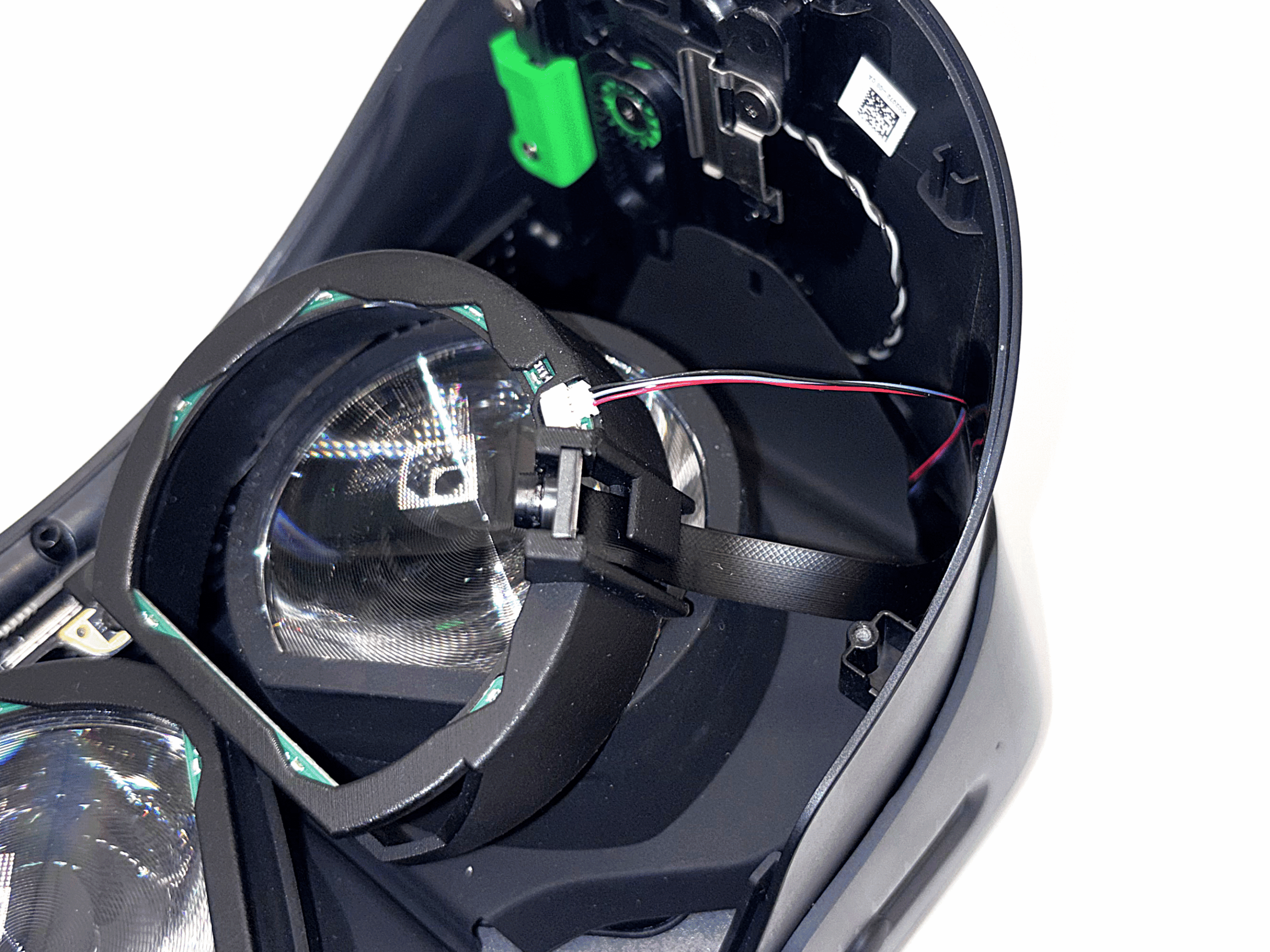
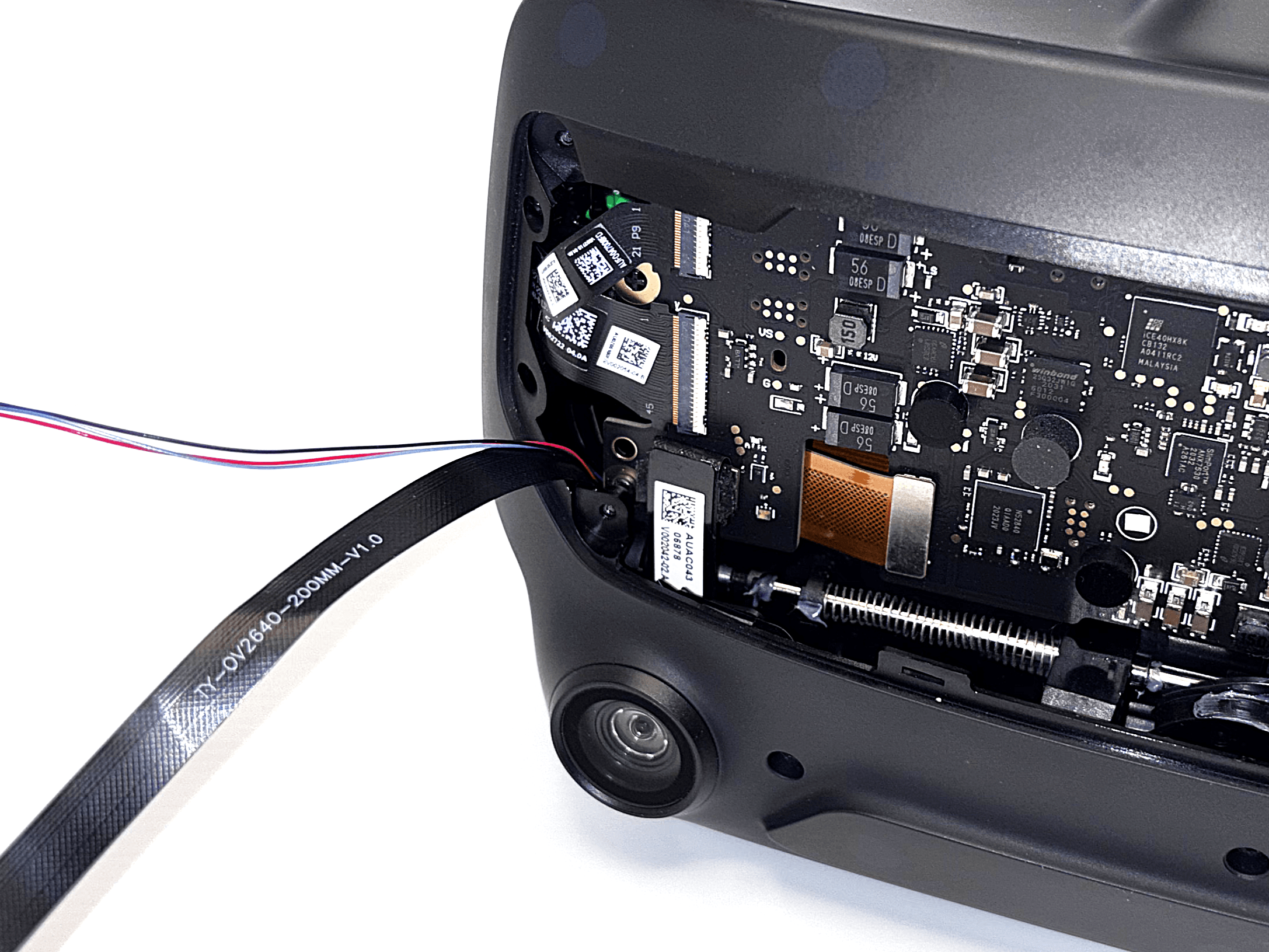
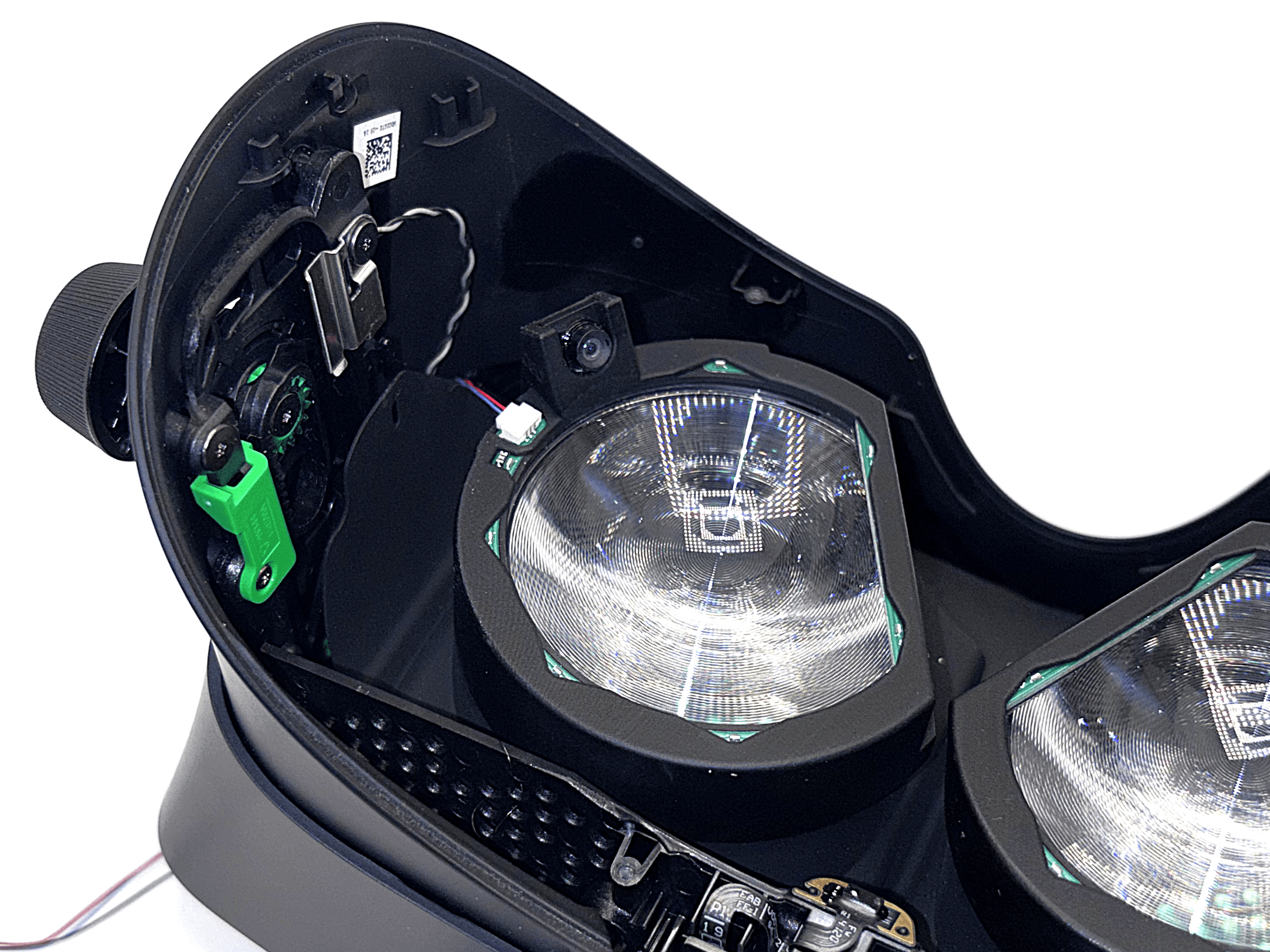
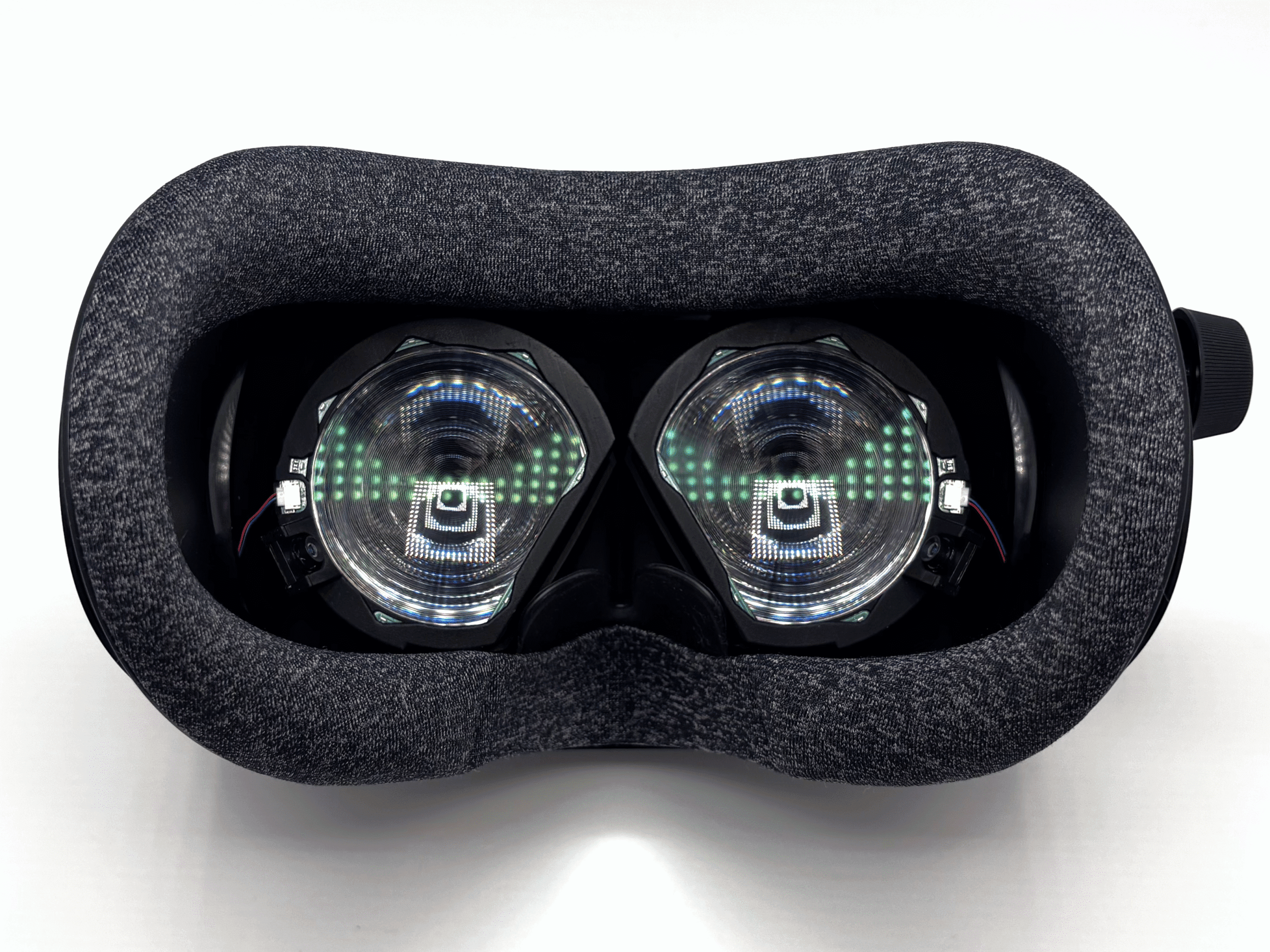
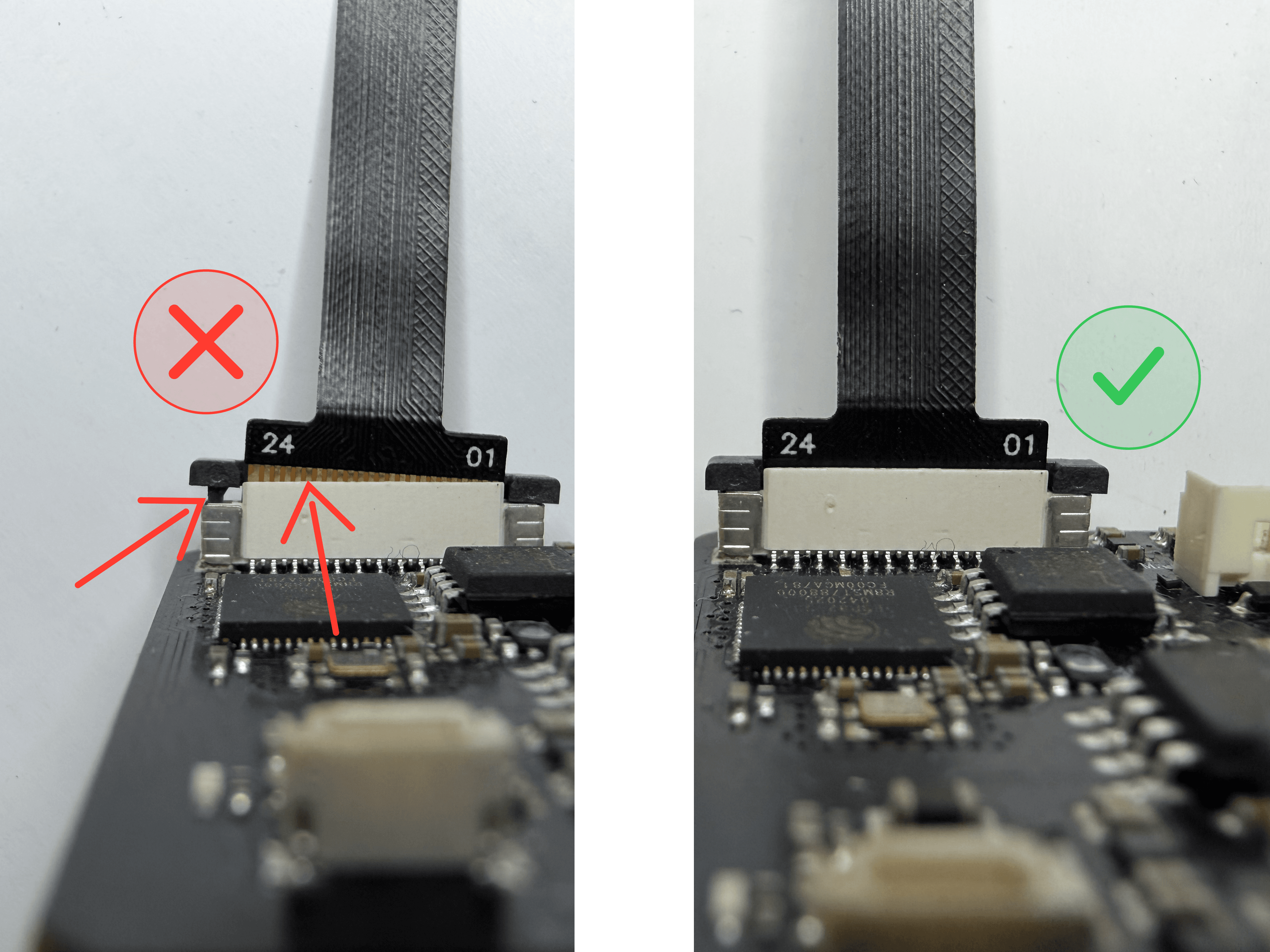
The three wide connectors are for the camera ribbon cables: Eye Right and Eye Left at the top, Face at the bottom. The eye cameras sit in the eye modules, which mount around your headset lenses. The face camera sits in the face module.
LED Connectors
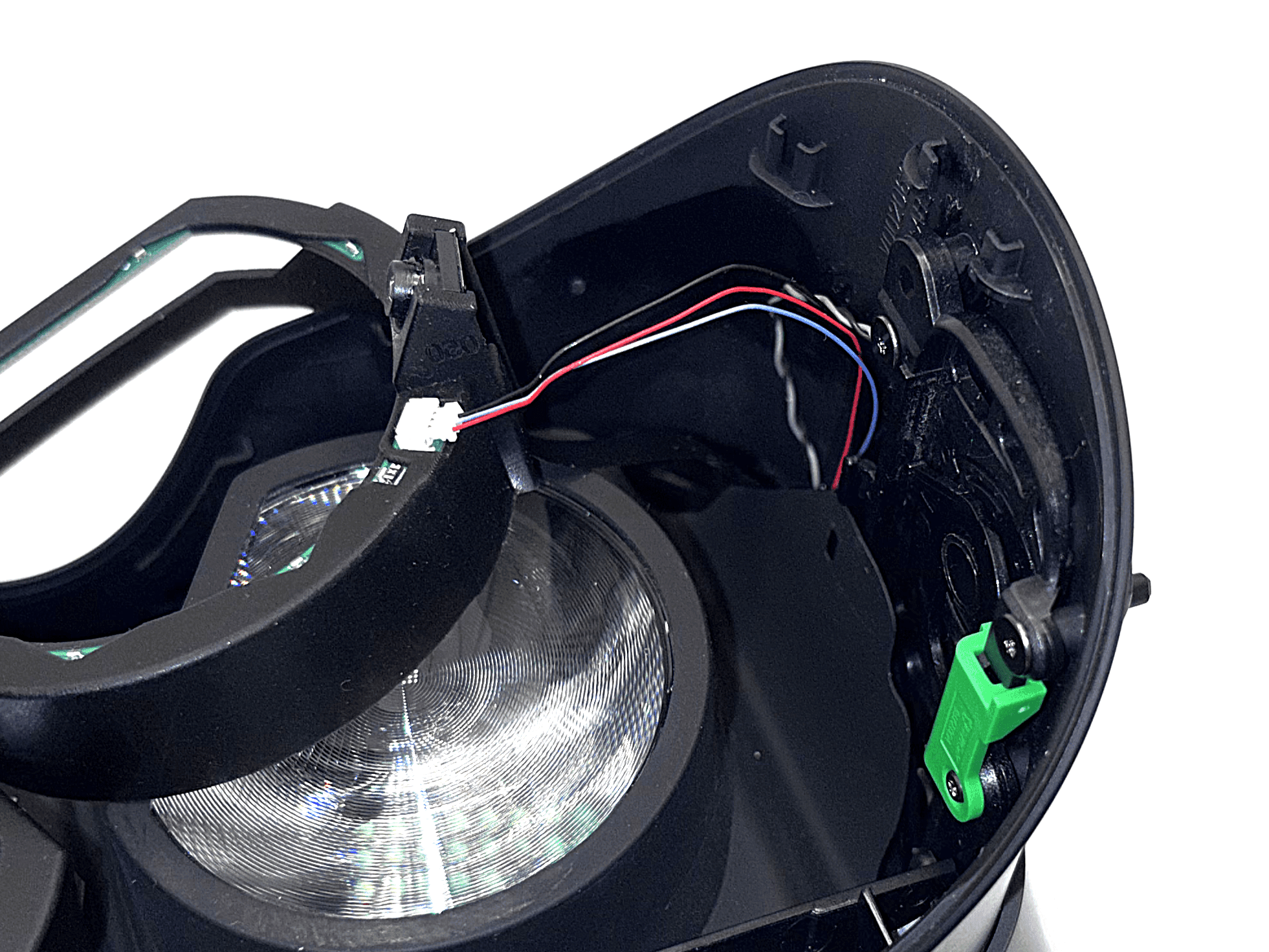
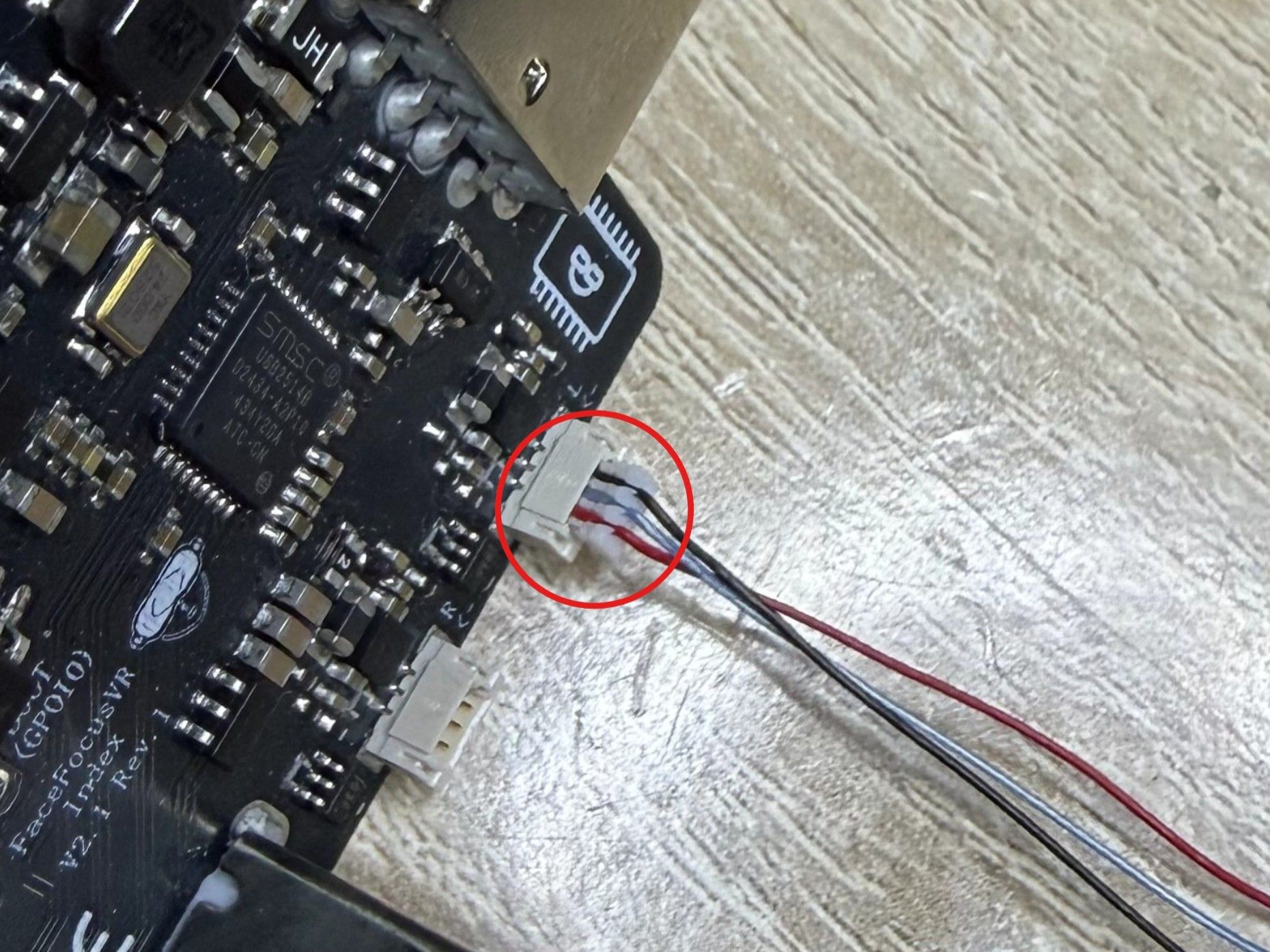
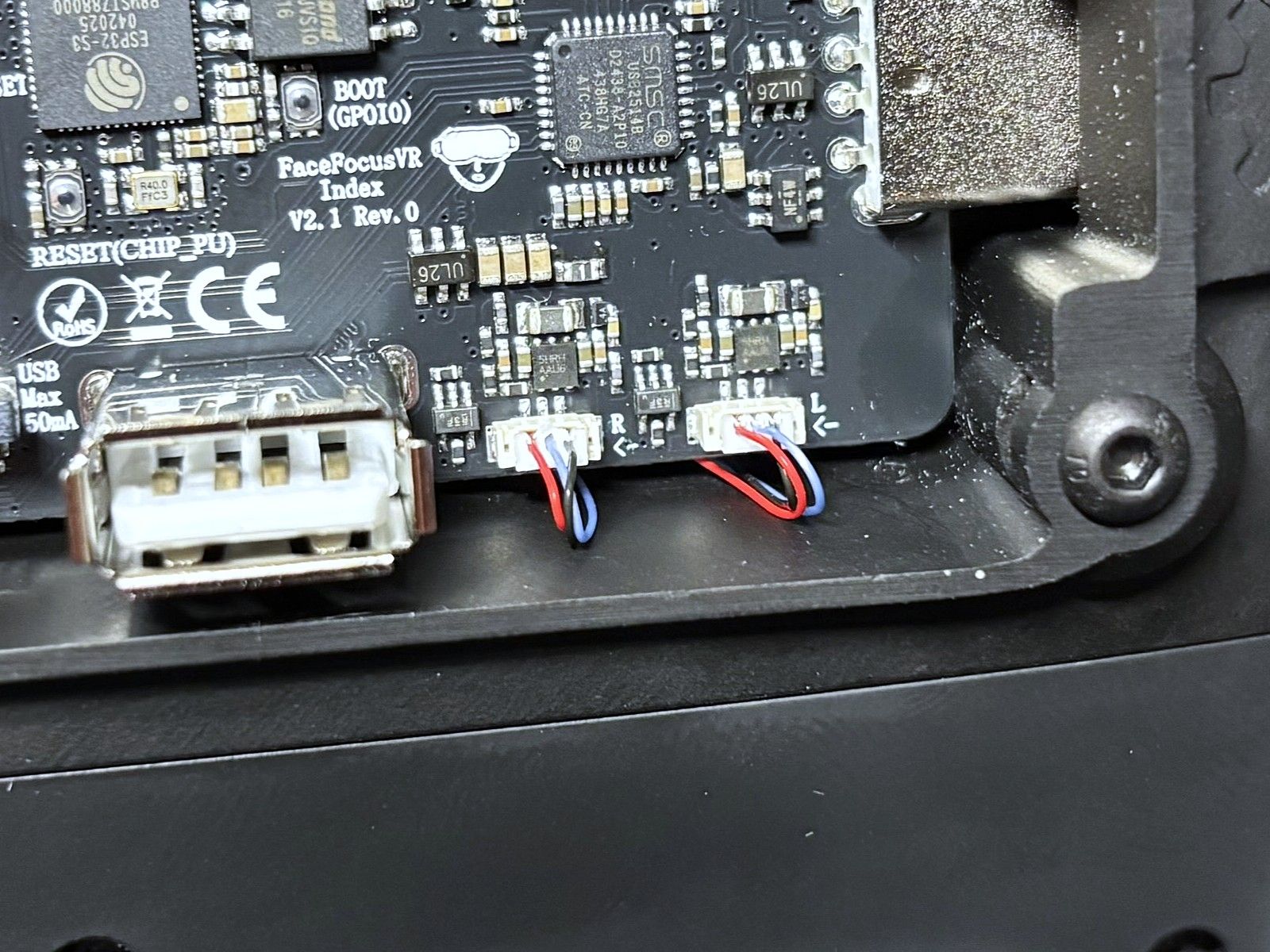
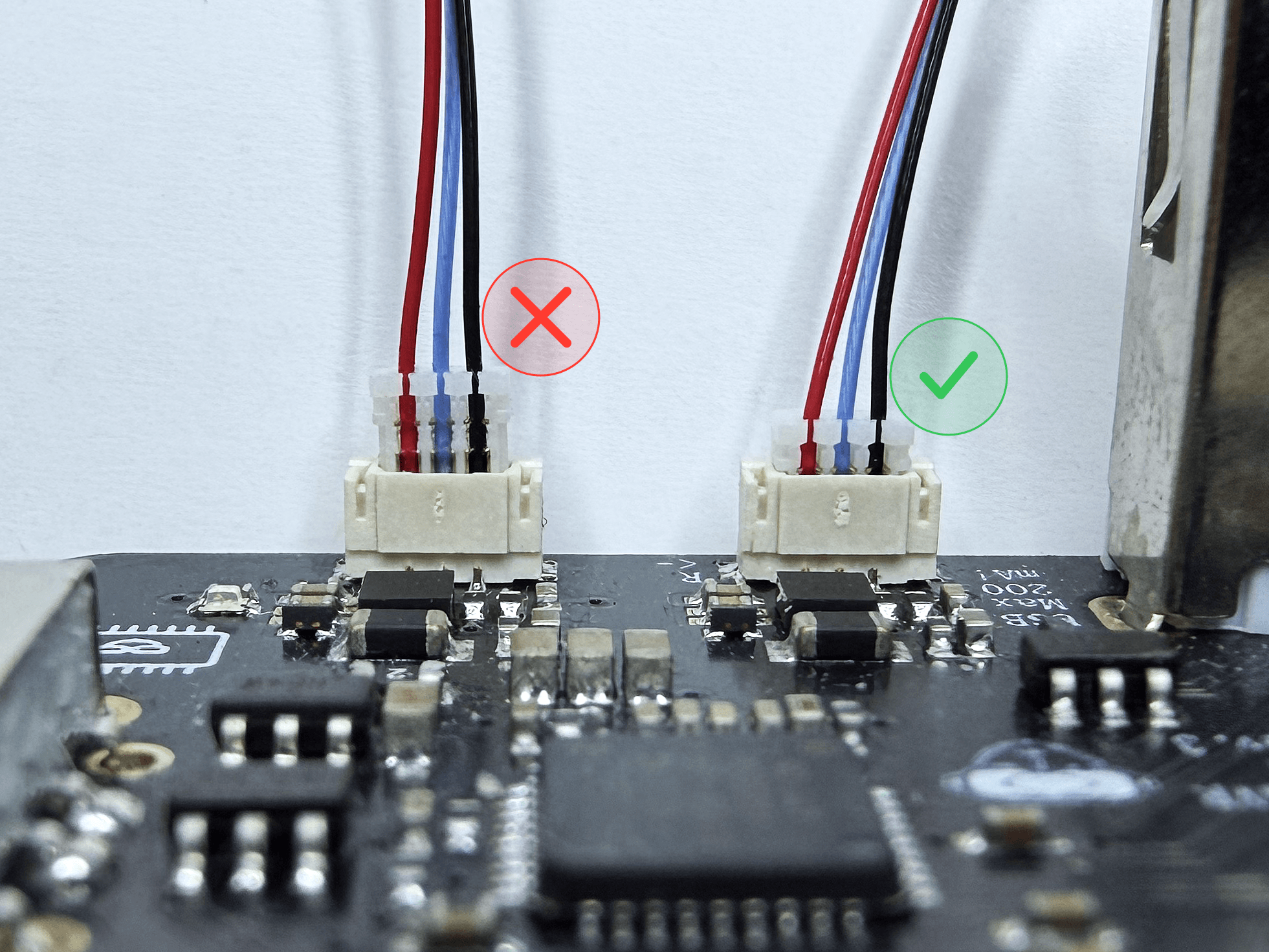
The three small connectors along the bottom edge are for the infrared LEDs: Eye R and Eye L on the right, Face on the left. The LEDs make tracking work even in complete darkness.
Fan and Power Button
The fan header at the top powers the cooling fan. The power button plugs into the connector on the right side.
USB
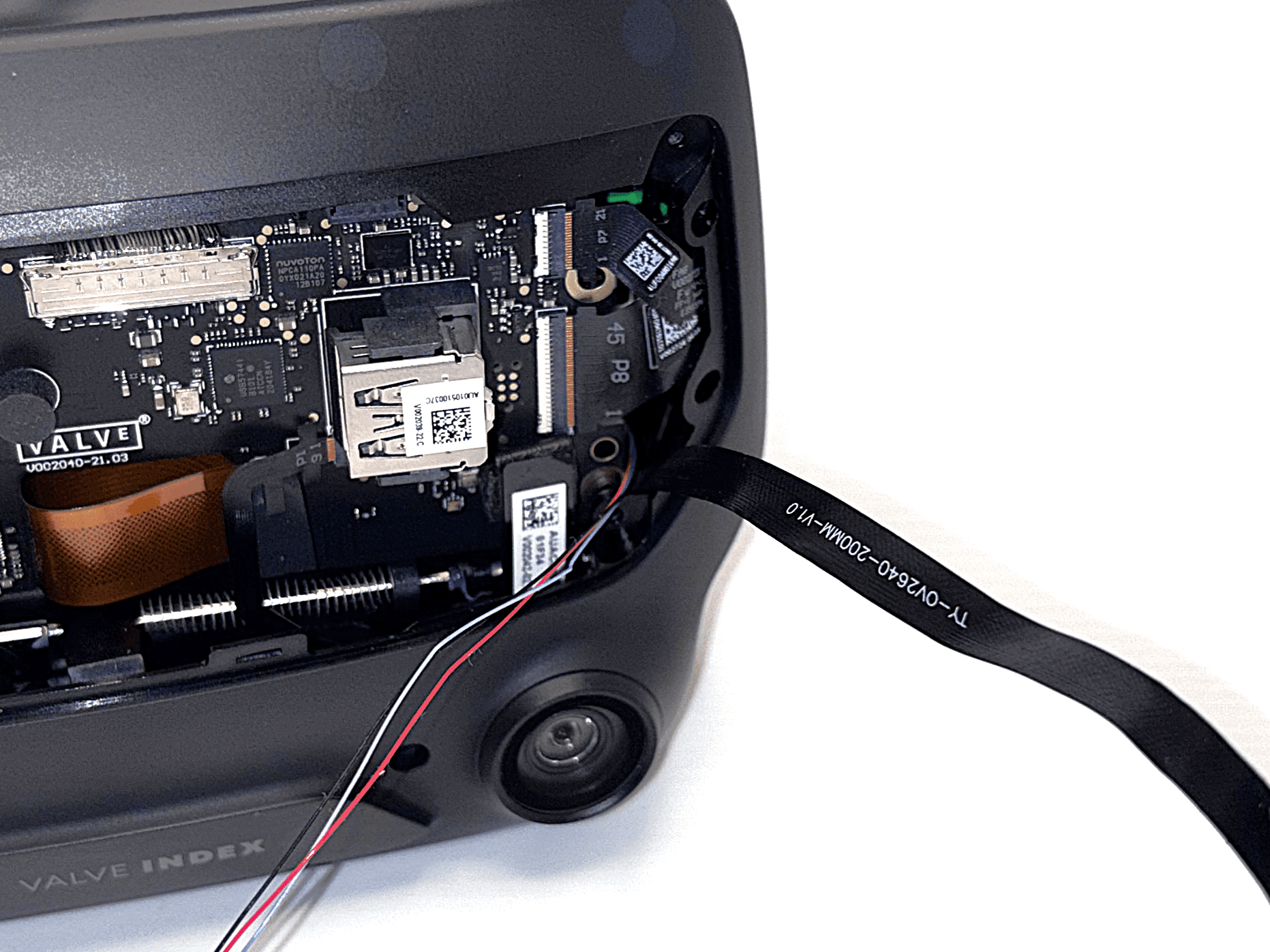
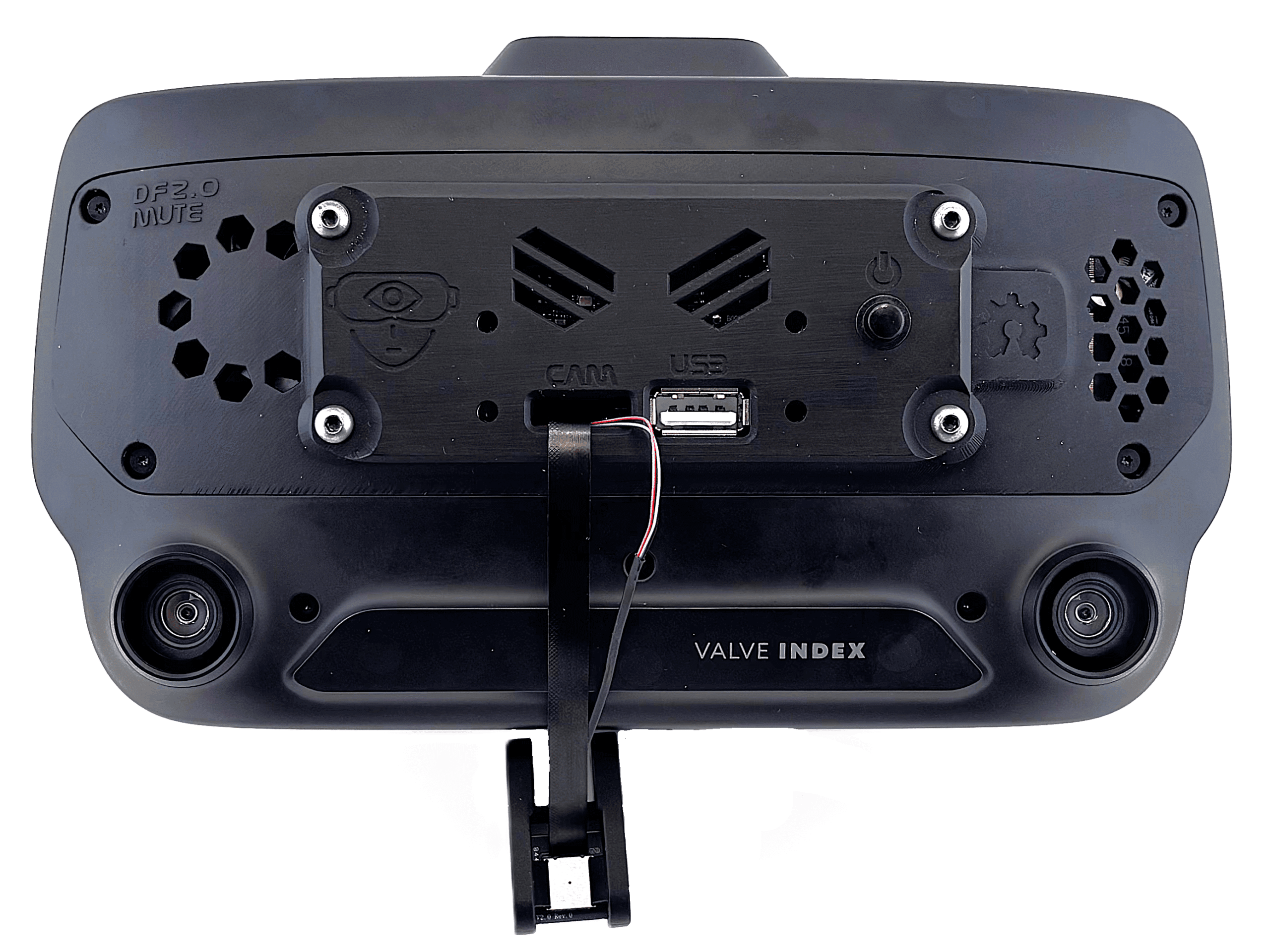
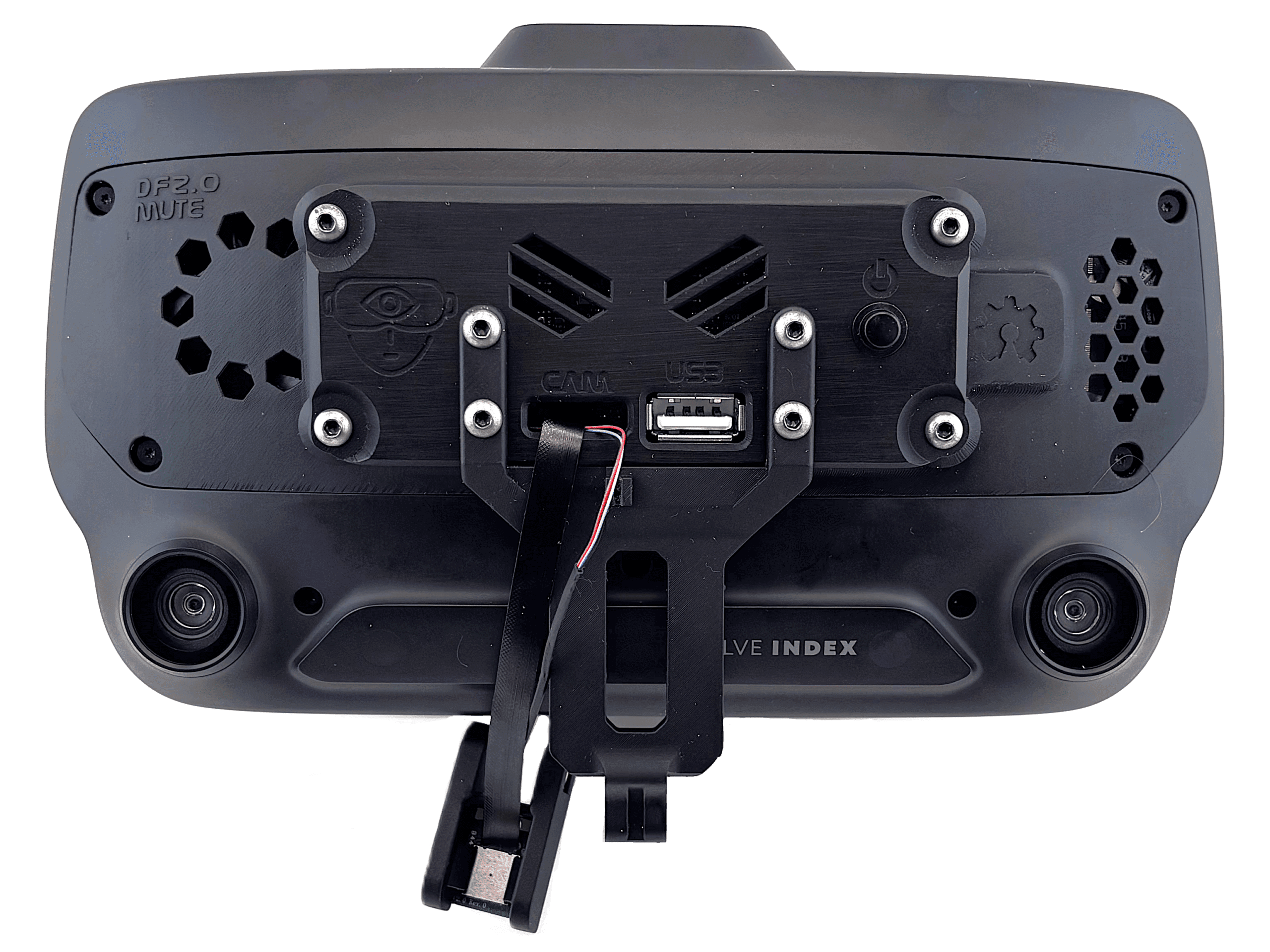
You can use the extra USB port on the front of the board for accessories such as a Bluetooth dongle. Its power is limited, though, so I do not recommend using it.